EasyManua.ls Logo

Go POWER+ ZT4200S - User Manual

Go POWER+ ZT4200S
256 pages
Print Icon
To Next Page IconTo Next Page
Loading...
WARNING: To reduce the risk of injury, the user must read and understand the Operator’s Manual before
using this product. Save these instructions for future reference.
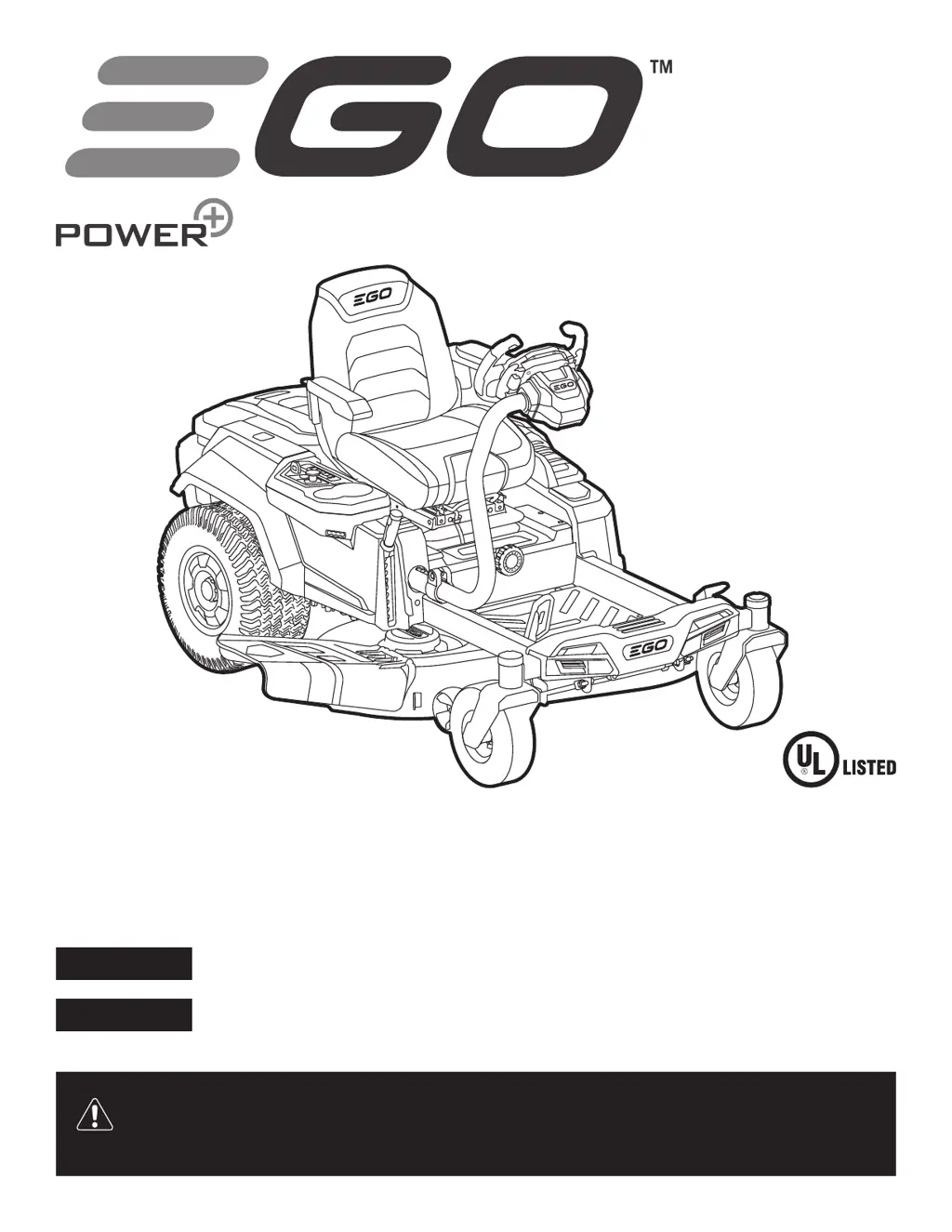
ELECTRIC ZERO TURN MOWER
OPERATOR’S MANUAL
56-VOLT LITHIUM-ION
ELECTRIC
ZERO TURN MOWER
MODEL NUMBER ZT4200S/ZT4200S-FC
Español p. 167
Français p. 79

Questions and Answers

Summary

Safety Information and Symbols

Safety Symbols

Describes safety symbols and their meanings for user awareness and accident prevention.

Safe Operation Practices for Ride-On Mower

General Information

Basic guidelines for operating the mower safely and responsibly.

Preparation Before Operating

Steps to take before starting the mower for safe operation.

Operation Guidelines

Key considerations and actions during mower operation.

Slope Specific Safety Precautions

Towing Guidelines and Warnings

Introduction to the Mower

Mower Specifications

Recommended Accessories

Description of Mower Components

Mower Controls and Adjustments

Safety Key, Start;Stop, and PTO

Importance and function of the safety key, start/stop, and blade engagement.

Steering and Driving Controls

How to use steering wheel, paddles, and accelerator for movement and speed.

Seat Adjustments

How to adjust seat position and suspension for operator comfort.

Additional Mower Components

Deck Height and Anti-Scalp Wheels

Adjusting cutting height and preventing deck scalping on uneven terrain.

Lights, Storage, and Charging

Information on headlights, storage compartment, and charging port.

Smart Features Overview

Driving and Blade Speed Modes

How to select driving and blade speed modes for optimal performance.

CCS, Status Indicator, and Peak Power

Explanation of cruise control, status indicators, and battery power technology.

EGO Power+ App and Firmware

Safety Start Interlock System

Audio Indicator (Beeps)

LCD Screen Icons and Indicators

Driving and Status Icons

Icons related to driving, CCS, Bluetooth, safety key, and auto-parking.

Operational Status Indicators

Icons for load, fuel, low power, faults, overload, temperature, battery, and safety devices.

Assembly Instructions

Unpacking Procedure

Packing List

Installing the Seat

Installing the Steering Wheel

Detaching the Rear Bumper (Optional)

Checking the Tire Pressure

Testing Mower Operation and Safety Interlock

Test-Drive the Mower

Register Your Product

Checking for Firmware Updates

Using EGO Power+ App

Customizing Mowing and Driving Experience

Selecting Driving Modes

How to choose between CONTROL, STANDARD, or SPORT modes for operation.

Adjusting Driving and Blade Speed

Driving Speed Levels

How to choose the appropriate speed setting for mowing.

Blade Speed Levels

How to adjust blade speed for different grass conditions.

Operation Guidelines

Mower Adjustment Procedures

Adjusting Cutting-Deck Height

How to adjust the cutting deck height for desired grass length.

Deck and Seat Adjustments

Adjusting Anti-Scalp Wheels

How to adjust wheels to prevent deck scalping on uneven terrain.

Adjusting the Seat Position

How to adjust the seat for operator comfort and control.

Steering and Brake Adjustments

Adjusting the Steering Wheel

How to adjust the steering wheel position for operator comfort.

Setting the Parking-Brake Pedal

Instructions on how to engage and release the parking brake.

Attaching;Detaching Battery Packs

Charging the Mower

Checklist Before Starting the Mower

Starting the Electric Zero Turn Mower

Stopping the Electric Zero Turn Mower

Driving the Electric Zero Turn Mower

Using Cruise Control (CCS)

Activating Cruise Control

Steps to activate and set the cruise control system.

Exiting Cruise Control

Methods to stop or exit the cruise control function.

Mowing Tips for Optimal Results

Performance and Operation Advice

Tips to Increase Run Time

Guidelines to maximize battery life and mower efficiency.

Cold Weather Operation

Precautions for operating the mower in cold temperatures.

Slope Operation Safety

Safety instructions for mowing on slopes to prevent accidents.

Maintenance Schedule and Procedures

Recommended Maintenance Schedule

Table outlining service intervals and required maintenance tasks.

Machine Cleaning and Care

Using Wash Port to Clean Deck

Instructions for cleaning the mower deck using the integrated wash port.

Leveling the Mower Deck

Side-to-Side Deck Adjustment

How to adjust the mower deck level side-to-side for an even cut.

Front-to-Rear Deck Adjustment

Removing the Mower Deck

Replacing the Cutting Blades

Cutting Blade Removal and Installation

To Remove the Cutting Blade

Detailed steps for safely removing the mower cutting blade.

Sharpening the Cutting Blade

To Install the Cutting Blade

Detailed steps for safely installing the mower cutting blade.

Checking and Replacing Wheels

Checking the Tire Pressure

How to check and maintain correct tire pressure for optimal performance.

Replacing the Wheels

Instructions for replacing mower wheels.

Front Wheel Replacement

Rear Wheel Replacement

Calibrating the Steering Wheel

Resetting to Factory Settings

Transporting the Mower Safely

Preparing the Mower for Storage

Troubleshooting Guide

Fault Code and Status Indicator Reference

Warranty Information

EGO Warranty Policy Details

Specifics of the warranty coverage and periods for EGO products.

Limited Service Warranty Terms

Conditions, exclusions, and coverage for warranty service.

How to Obtain Service

Steps to follow for warranty repairs and service center information.

Additional Warranty Limitations

Go POWER+ ZT4200S Specifications

General IconGeneral
Drive TypeSelf-Propelled
Mulching CapabilityYes
Cutting Width42 inches
Cutting Height1.5-4 inches
Wheel Size10 inches (rear)