Windows2000/XP/VISTA/7/8, no driver setup is necessary .
Please Proceed to step 6.0 to format your drive.
Duplication Mode
·
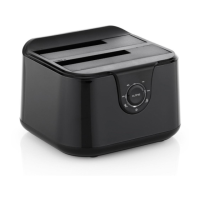
Install 2 hard drives into the dock. Make sure to place the
drive with the data you want copied (Source) into the
“Source” bay. The target disk (Target) should be equal or
larger in capacity than the source disk.
·
Connect the power adapter to the enclosure and press the
POWER button to power up the docking station.
·
After about 10 seconds,Keep pushing the CLONE button
for 3 seconds to begin duplication. Clone Progress
indicator(25%,50%,75% and 100%,4 status) Would be acted.
Show as below:
Note:
1. Can`t connect the docking station to your computer by
USB cable for duplicator mode.
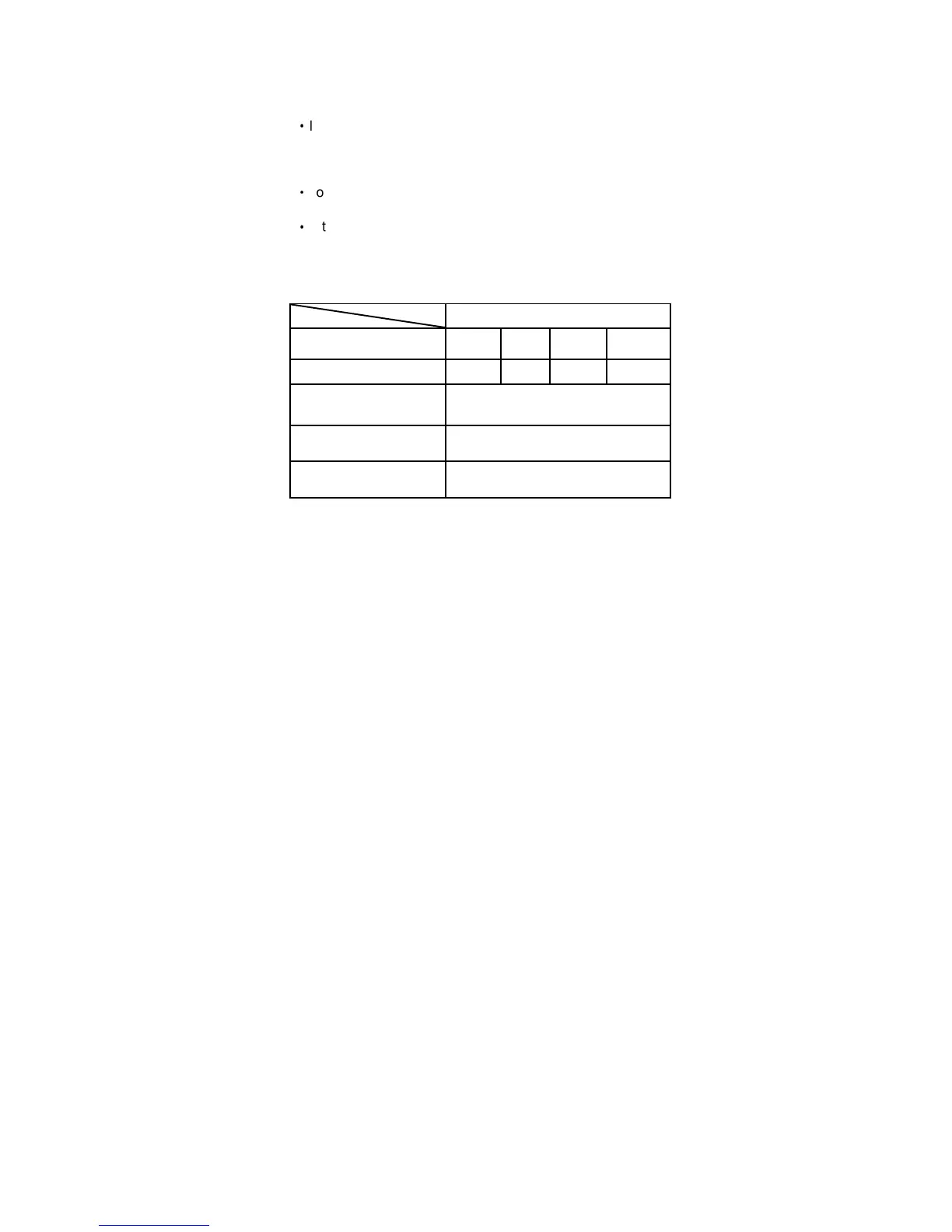
LED Status
Silkscreen 25% 50% 75% 100%
LED Color Green Red Yellow Orange
Duplication started
Solid LED for every 25%done
incrementally
Duplication in progress LED moving back and forth
Duplication Complete All LED remain constantly on


 To Next Page