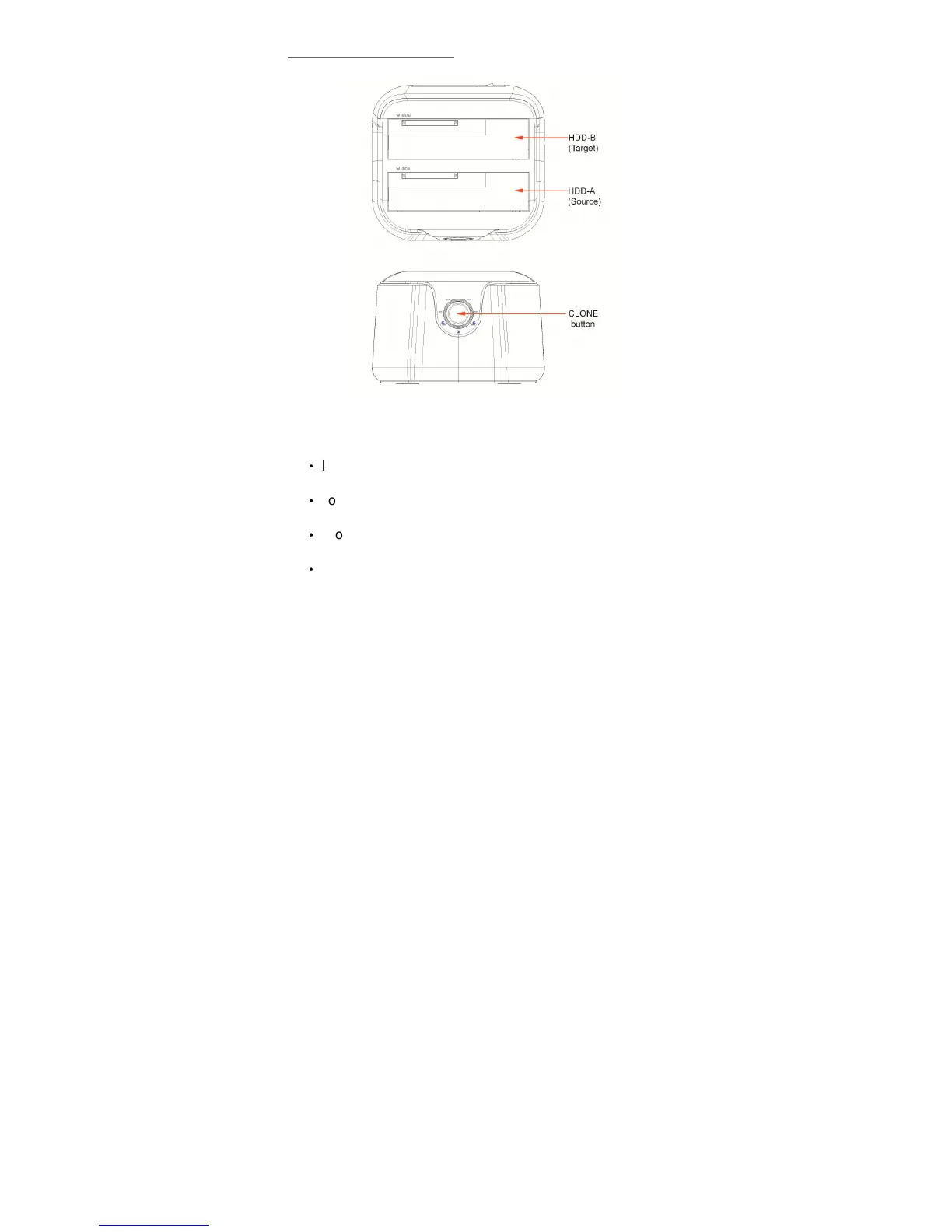
5.0 Hardware Setup
Device Mode (USB3.0 to SATA External Dual Hard
Drive)
·
Install your SATA hard drive properly to the port
connector on the docking station
·
Connect the docking station to your computer by USB
cable
·
Connect the power adapter to the enclosure and power
up the docking station
·
The computer should now detect the new hardware .For


 To Next Page