IR Application
HDMI Source Device Control from RX Location
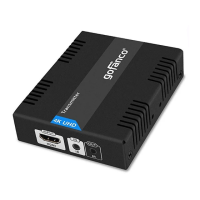
1. Connect the IR Blaster cable to the TX's IR
Out port. Face the eye towards your HDMI
source device's IR Window.
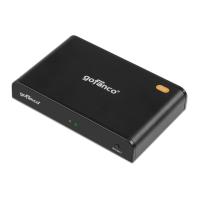
2. Connect the IR Receiver cable to the RX's IR
In port.
Display Device Control from the TX Location
1. Connect the IR Blaster cable to the RX's IR
Out port. Face the eye towards your display
device's IR window.
2. Connect the IR Receiver cable to the TX's IR
In port.



 To Next Page