5
Product Layout
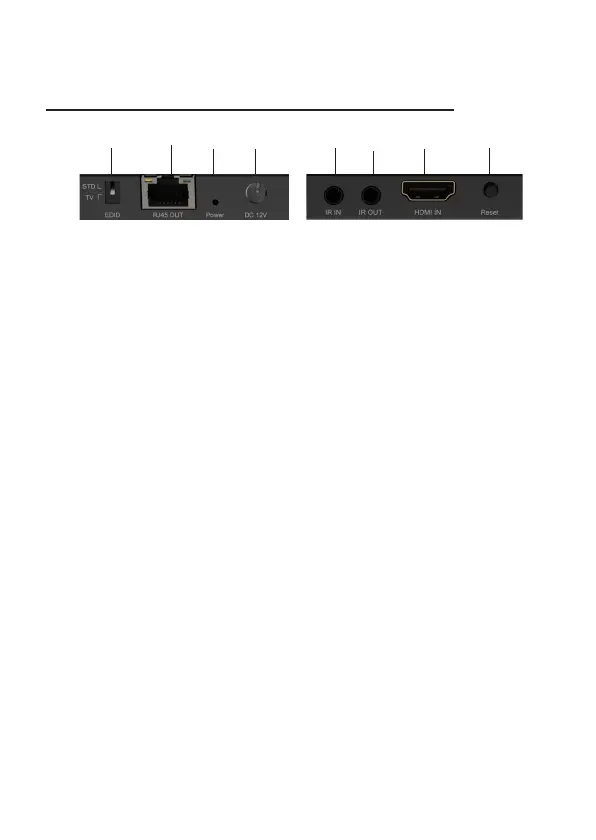
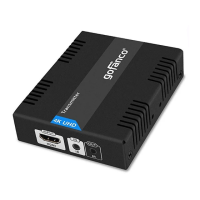
Transmitter (TX) Front and Rear Panel
1. EDID: EDID selector switch
• STD: Slide the switch up for 4K @120Hz
mode
• TV: Slide the switch down to copy the
EDID from the display
2. RJ45 Out: Connect to the Receiver's RJ45 In
using a CAT cable
3. Power LED: On when the TX is powered on
4. Power Jack: Connect to the included power
adapter
5. IR In: Connect to the IR Receiver cable. See
IR Application on page 9 for proper cable
connection.
6. IR Out: Connect to the IR Blaster cable.
Point the IR eye at the source device's IR
window. See IR Application on page 9 for
proper cable connection.
Figure 1: Transmitter Front and Rear Panel Layout
1
2
34 5
67
8



 To Next Page