6
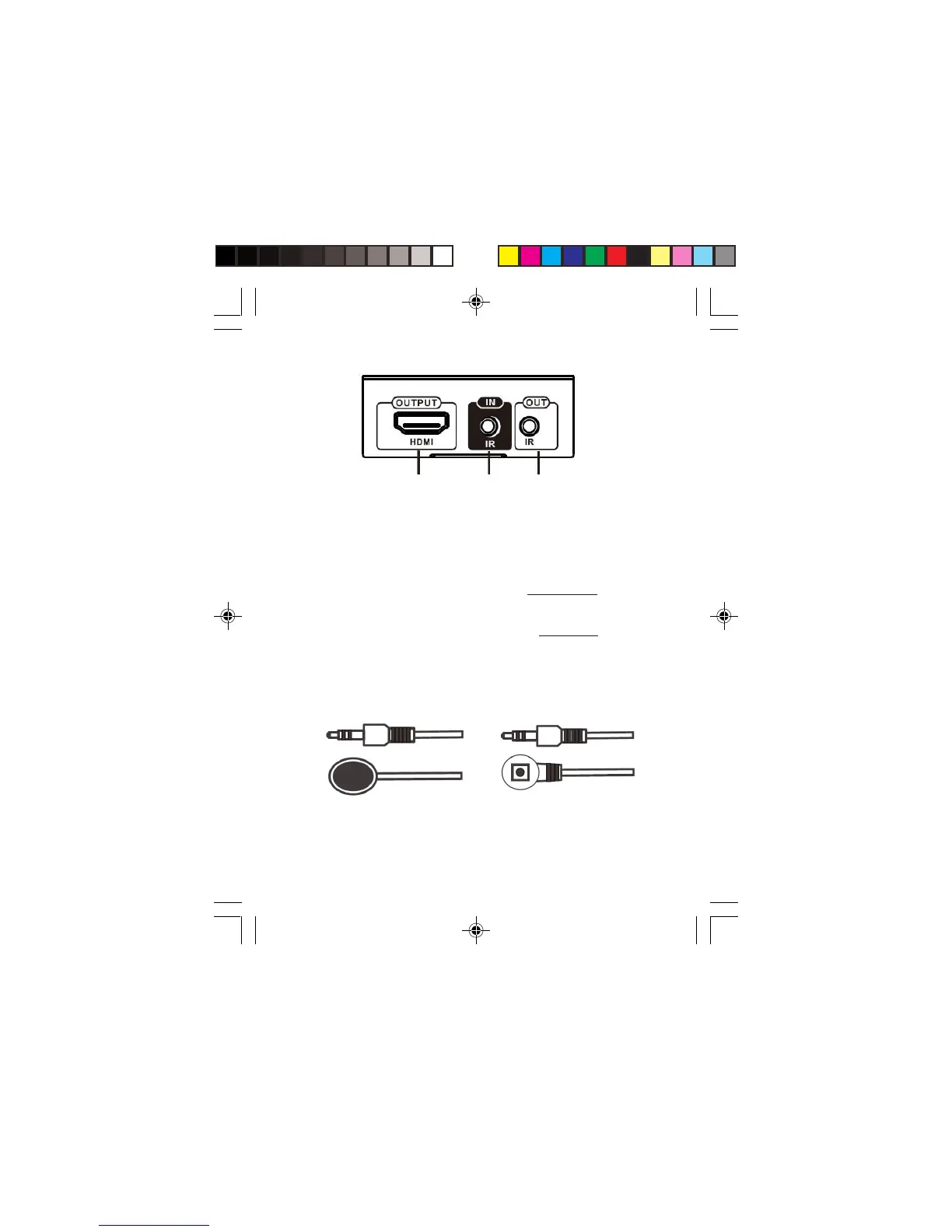
Figure 4: Receiver (RX) - HDMI Display Output
• HDMI Out: Connect to your HDMI display here with an
HDMI cable (cable not included)
• IR In: Infrared 3.5mm socket. Plug IR Receiver extension
cable here. See instructions on page 7.
• IR Out: Infrared 3.5mm socket. Plug IR Blaster extension
cable here. See instructions on page 7.
IR Extenders (20~60kHz IR devices supported)
IR In
HDMI Out
IR Out
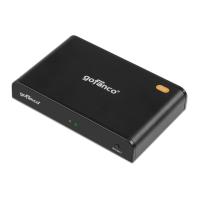
Figure 5: IR Blaster cable
(Connect to IR Out)
Figure 6: IR Receiver cable
(Connect to IR In)


 To Next Page