12
Audio
EN
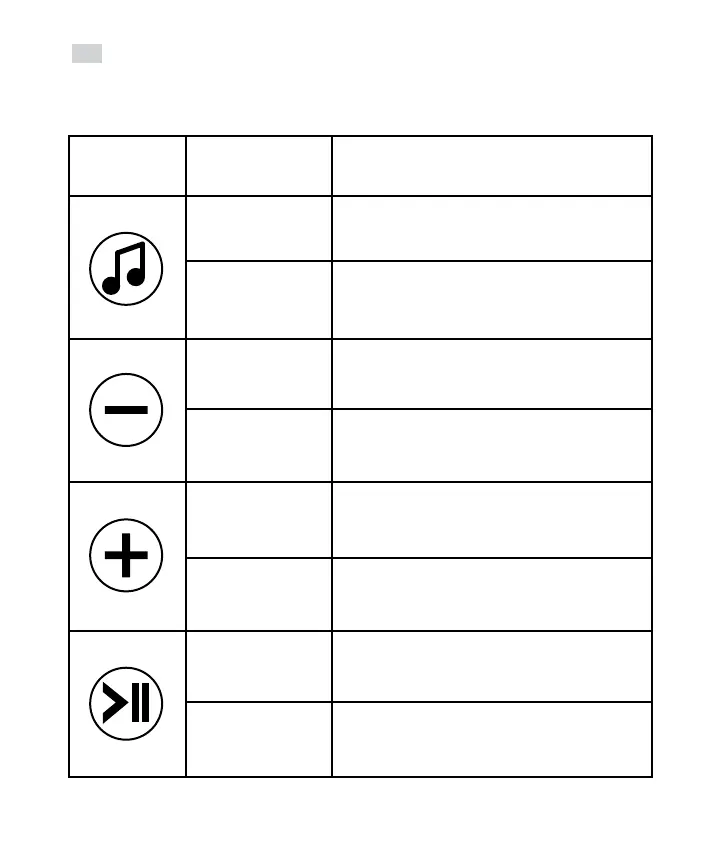
Button Press sequence Audio function
Press and hold Turn audio mode on/o
Quick press Check/change audio source
Press and hold Decrease audio volume
Quick press Bluetooth = Previous track
FM = Tune down
Press and hold Increase audio volume
Quick press Bluetooth = Next track
FM = Tune up
Press and hold FM = Scan/store available FM stations
Quick press Bluetooth = Pause/Play music; Answer/End call
FM = Seek to next FM channel


 To Next Page