11
Time setting
Alarm setting
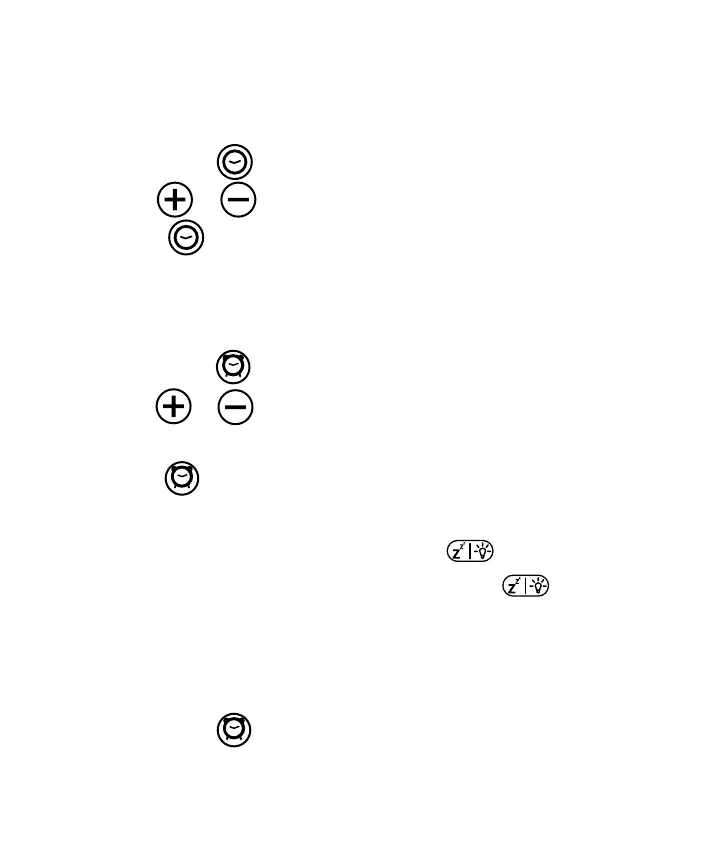
Press and hold the button 3 seconds to enter time setting mode.
Use the and buttons to adjust 12/24 hour format, hours, minutes, year, month and
day. Press button to conrm each setting.
Press and hold the button (1 or 2) for 3 seconds to enter alarm setting mode.
Use the and buttons to adjust alarm hours, minutes and wake up sound (beep
or FM). FM wake up will use the last station tuned.
Press the button (1 or 2) to conrm each setting.
When the alarm is sounding, quick press any button to enter mode to silence for 10
minutes. During mode, the alarm display will blink. Press and hold the button for 3
seconds to silence alarm until next day.
When the alarm is set, the time will show on the Alarm display.
Press and hold the button (1 or 2) for 6 seconds to shut o, the time will be removed
from the Alarm display.


 To Next Page