4
EN
DE
IT
FR
1 Turn OFF the unit and remove the power
cord.
2 Connect the external PSU to the power
outlet using the supplied power cord.
INSTALLING THE PSU-5
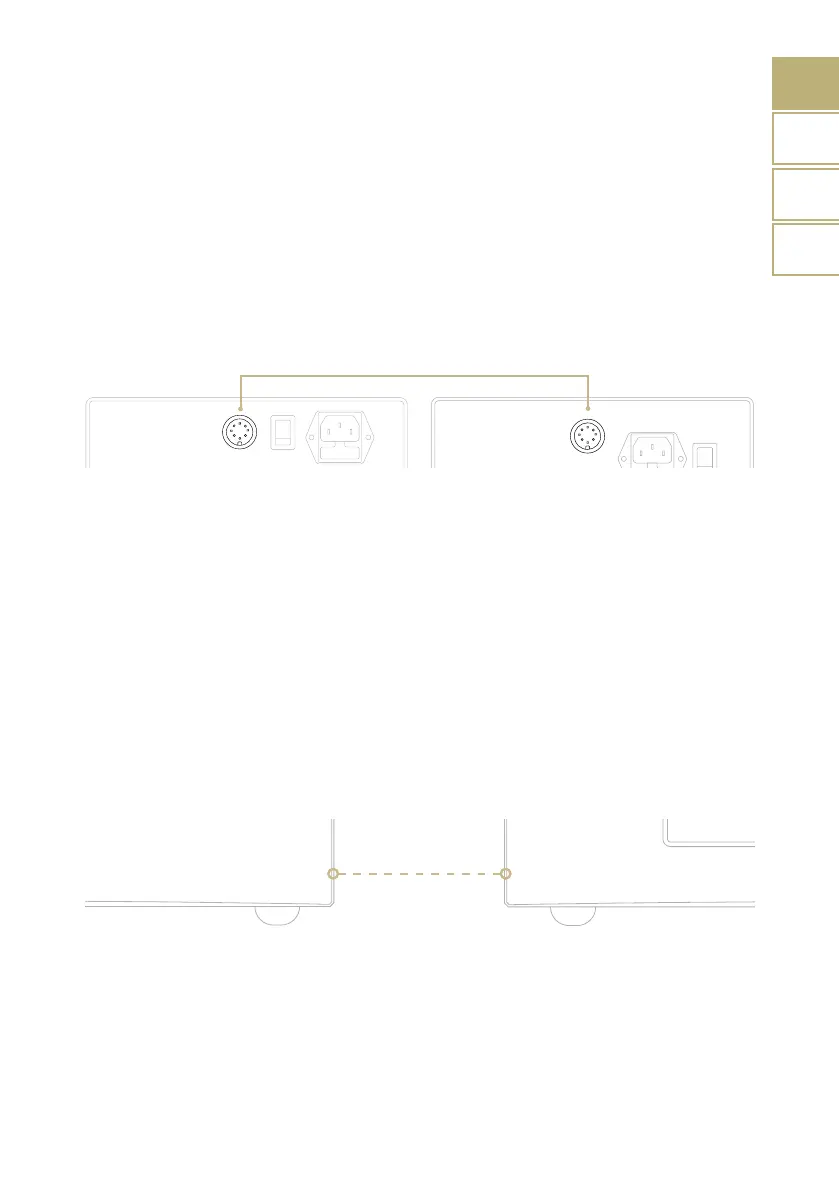
For the best performance, we suggest to
place the PSU on the lefthand side with
around 10/20cm of space between the units.
Please avoid stacking the units on top of
each other if possible.
| QUICK START
3 Connect the external PSU to the unit
using the supplied cable (from PSU OUT
to the PSU connector of the unit).
4 Turn on the MASTER SWITCH on the rear
panel of the external PSU.
Installing the PSU-5 is simple and takes only a few quick steps:
PSU-5


 To Next Page
 Loading...