Need help?
Do you have a question about the Goldair GD190 and is the answer not in the manual?
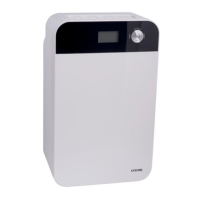
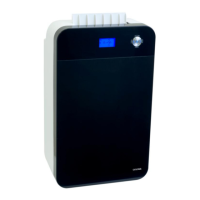
Identifies and describes the functions of the control panel and its indicators.
Explains how to set humidity levels and the operation logic of the compressor and fan.
Details how to set the timer for automatic operation on or off.
What happens when the water tank is full and how to handle it.
Instructions for setting up and using a continuous drainage tube.
General advice on cleaning the appliance exterior and vents.
Steps for removing, cleaning, and drying the air filter.
Guidelines for storing the dehumidifier when not in use.
 General
| Model | GD190 |
|---|---|
| Water Tank Capacity | 2L |
| Capacity | 10L |
| Features | Continuous Drainage, Filter |
| Moisture Removal | 10 Litres/Day |

 To Next Page