• Do not insert anything through the openings in the receiver, since you can touch a hazardous voltage point or damage the receiver
- Location
• Use the receiver indoors, to avoid damaging it by weather conditions
• Do not install the receiver near a radiator or other heat sources
• Dropping the product may result in personal injury and serious damage to the receiver
- Lightning, storm
• Unplug the receiver from the wall outlet and disconnect the antenna during a lightning storm or when unused for long periods of time
• This will prevent damage to the circuit due to lightning or voltage fluctuations
**- Repair
• If it is necessary to repair, it is necessary to be sure of the qualification of the service
• Unauthorized repairs can lead to additional damage
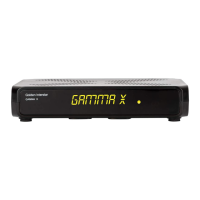
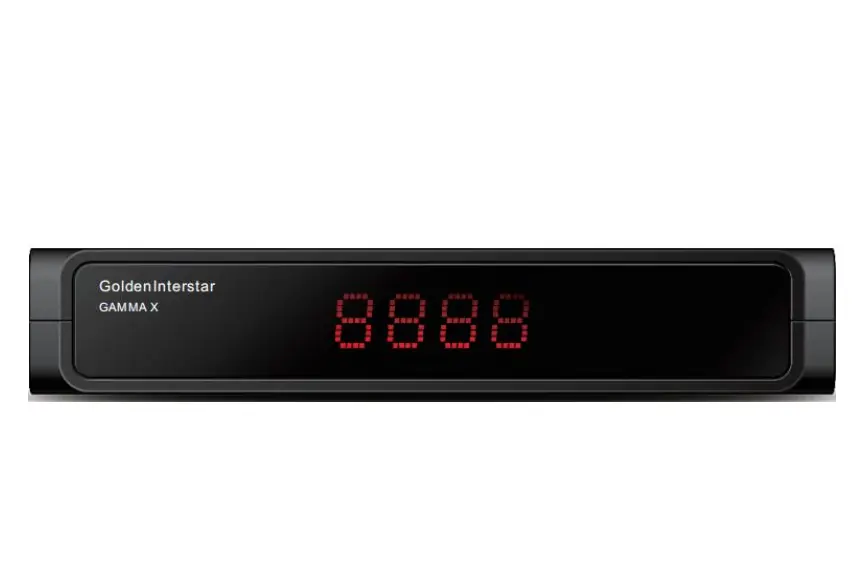
- FRONT PANEL:
• LED status indicator
Displays the current status of the receiver (red / green)
• Receiver of IR signals
It is the sensor/receiver of the IR signals from remote control


 To Next Page
 Loading...