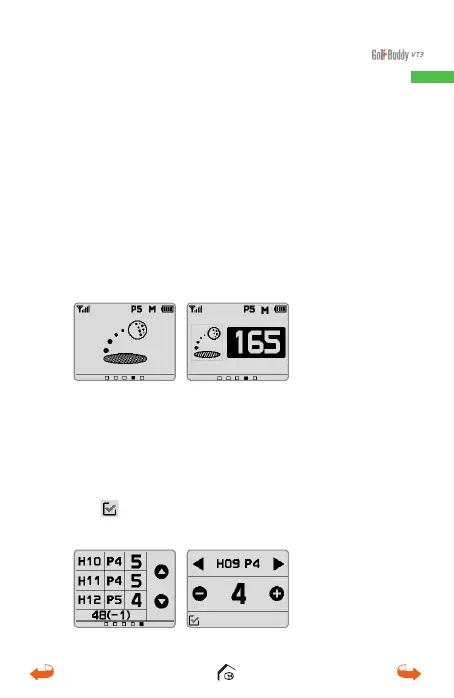
2.3. Measuring Distance
From the main screen, press the Mark button for the
Measuring Distance screen or slide right from the Main
screen. Touch and hold the icon to mark your position.
You can also press and hold the Mark button to start
measuring. As you move, the screen will now show
the distance from the marked position. Tap the Mark
Distance screen or press the Mark button to finish
measuring and you can see/hear the measured distance.
2.4. Score Tracking
From the main screen, slide two screens to the right
to access the Score Tracking screen. Touch the score
box next to the desired hole to enter your score and
touch plus or minus sign to adjust the score. Touch
the
icon at the bottom left corner to save and
return to the score tracking screen.
01_0205VT3 manual (영어).indd 15 14. 2. 13. 오후 5:28



 To Next Page