2. Basic Operations
2.6. GPS Tracking
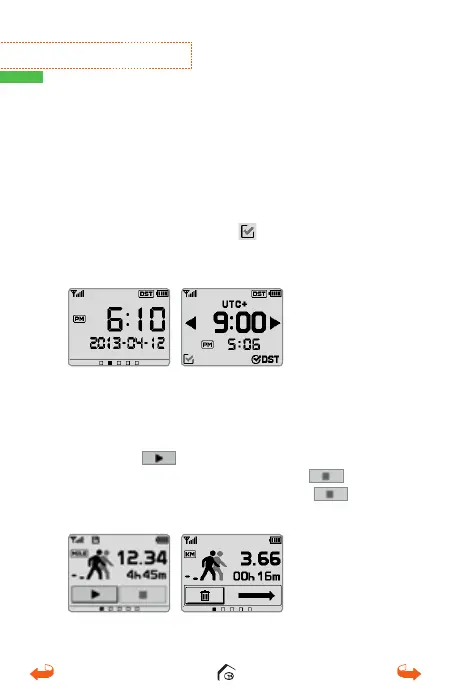
From the main screen, slide two screens to the left
to access the GPS tracking/Odometer function.
Touch the
icon to begin tracking. Current
tracking can be paused pressing the
icon.
Tracking can be re-set by pressing the
icon
twice and then by sliding the trash can icon to the right.
2.5. Watch Module
From the main screen, slide the screen to the left
once to access the Watch Mode. Touch the screen
and your VT3 device will speak the time. The time
will be set when the VT3 connects with the satellite;
but in order to set the local time zone, touch and
hold the screen. Touch the
icon at the bottom
left corner and return to Watch Mode screen.
01_0205VT3 manual (영어).indd 16 14. 2. 13. 오후 5:28



 To Next Page