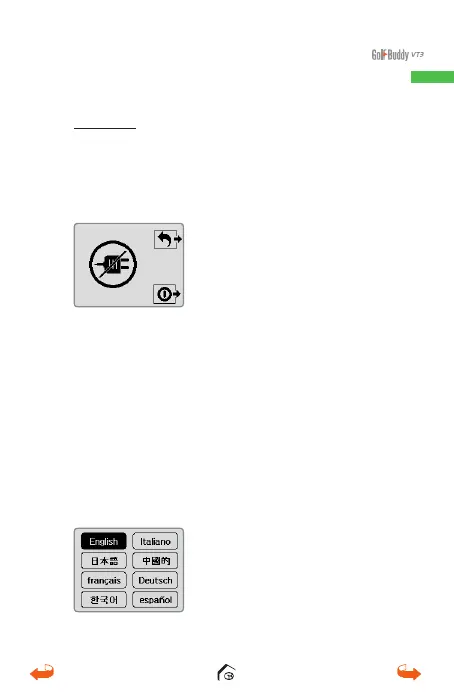
Power Off : Press and hold the power button for 1-2
seconds and 2 options will appear on the display.
Press the power button again to power off or press
the Mark button to return to the previous screen.
1.2. Language Selection
From the set-up screen, swipe down to bring up
the Setting Screen. Then press and hold the Mark
button to bring up the Language Selection screen.
Select the desired language twice and the unit will
load in the language selected.
01_0205VT3 manual (영어).indd 9 14. 2. 13. 오후 5:28



 To Next Page