1. Getting Started
1.3.1. Volume Setting
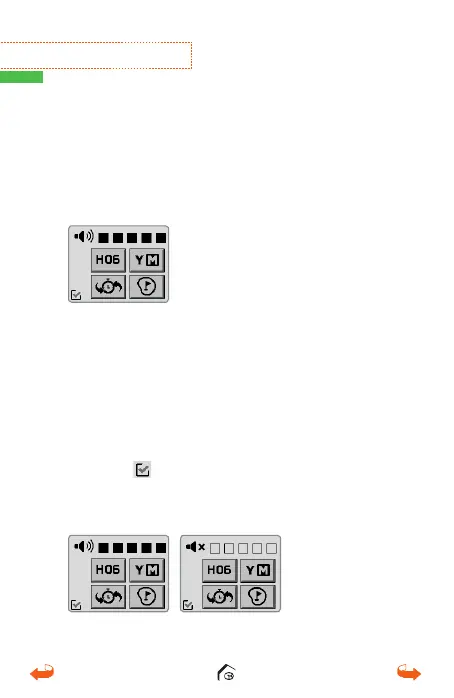
From the main screen, swipe down to bring up the
Setting Screen and touch the desired volume level
to set your sound level.
Touch the
icon at the bottom left corner to save
and go back to your previous screen.
* Mute : Touch the speaker icon to “mute” volume.
1.3. Setting Screen
From the main screen, swipe down to bring up
the Setting Screen. The Hole Number, Yard/Meter,
Volume/Mute, and Pin positioning options will be
displayed.
01_0205VT3 manual (영어).indd 10 14. 2. 13. 오후 5:28



 To Next Page