GETTING STARTED
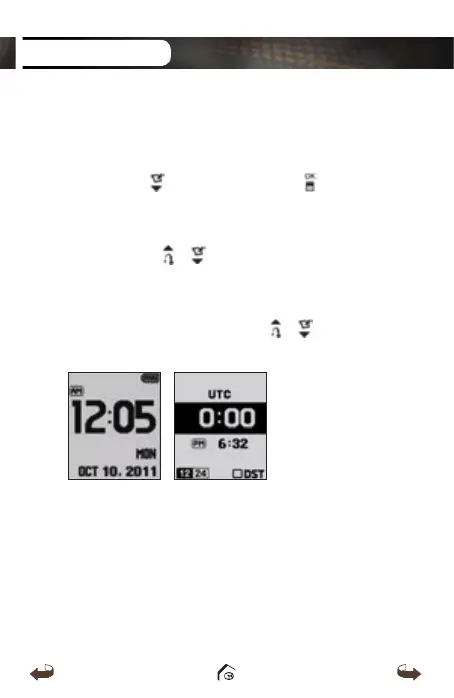
1.3. Time Setting
Time will set automatically after WT3 successfully
connects to the satellite. To set the clock manually, press
and hold the
button then press the button to
confirm.
* DST : Daylight Savings Time can be applied by
pressing the / button in the Time Setting
Menu.
* 12/24 Hour Time Format : 12/24 Hour Time Format
can be applied by pressing the / buttons in
the Time Setting Menu.
WT3_Manual(영어).indd 10 13. 9. 25. 오후 2:11



 To Next Page