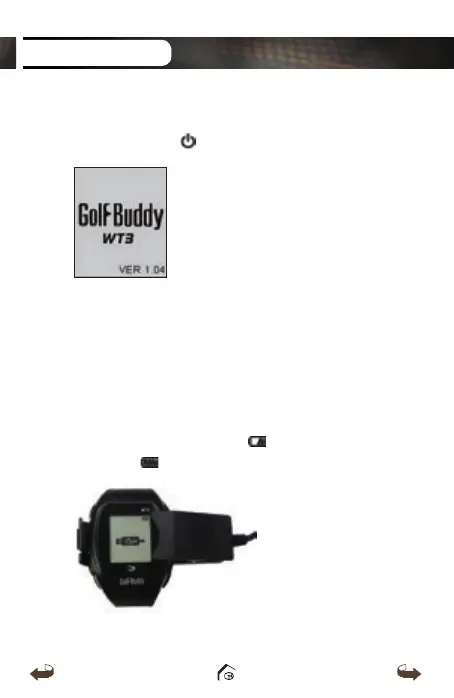
1.1. Power On/Off
Press and hold the button to turn on/off the device.
1.2 Charging
You can charge the device by inserting the device into
the charging dock as depicted in the picture below. The
battery indicator will display
while charging and
will display when fully charged.
GETTING STARTED
WT3_Manual(영어).indd 9 13. 9. 25. 오후 2:11



 To Next Page