App
Step 1: Download the app and create an account
Visit the Google Play Store or the Apple App Store and search for the "DMSS"
app. Download the application and open it.
After successfully starting the app, you will be asked for authorisations the first
time you open it. To ensure smooth use in the future, we recommend that you
grant all necessary authorisations.
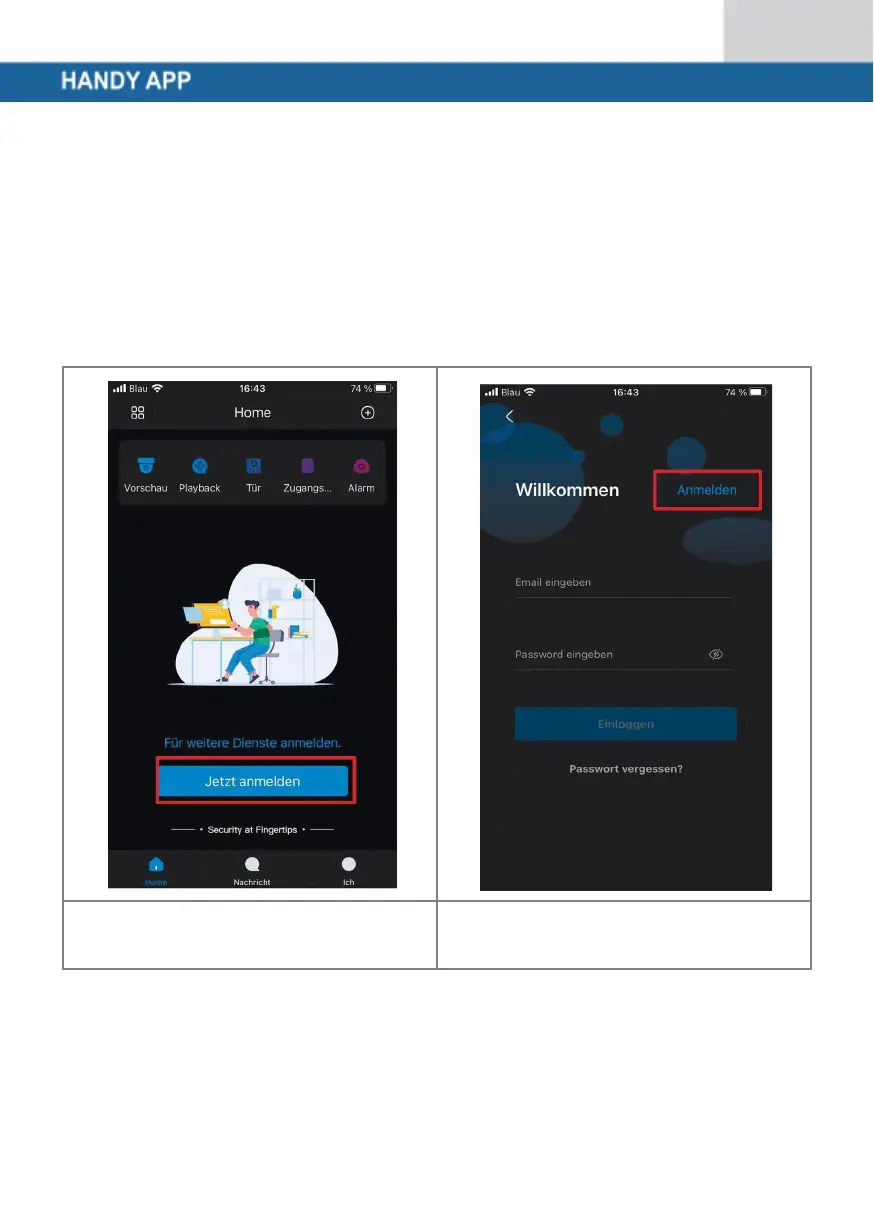
Once you have opened the app,
please select the option
"Register now".
Click on "Log in" in the top
right-hand corner.



 To Next Page