Need help?
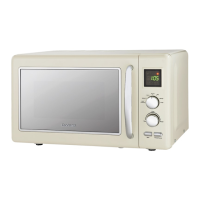
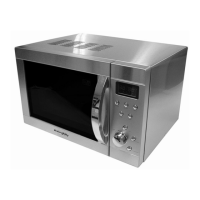
Do you have a question about the Goodmans 322167 and is the answer not in the manual?
The interface for setting cooking time, power levels, and functions.
Sets the cooking duration, with a maximum of 30 minutes, incrementing by 1 minute.
Details the six power levels available, from HIGH (100%) to LOW (17%).
Inspect the microwave for any visual damage after unpacking.
Ensure adequate space around the microwave for airflow and prevent overheating.
Instructions for correctly placing and using the glass turntable and roller assembly.
Check plug, fuse, circuit breaker, and socket; ensure timer is set and door closed.
 General
| Brand | Goodmans |
|---|---|
| Model | 322167 |
| Category | Microwave Oven |
| Language | English |

 To Next Page