
 Need help?
Do you have a question about the Goodmans 330054 and is the answer not in the manual?
Details the contents of the product packaging, including headphones and cables.
Instructions for charging the battery and guidelines for care and maintenance.
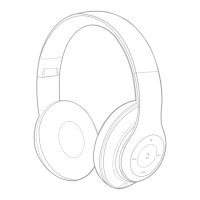
Identifies external parts and explains the functions of side controls and buttons.
Steps for charging the headphones and powering them on for the first time.
Instructions for connecting the headphones to Bluetooth-enabled devices.
Connect to external audio devices using a 3.5mm audio cable.
Play music directly from a Micro SD card inserted into the headphones.
 General
| Brand | Goodmans |
|---|---|
| Model | 330054 |
| Category | Wireless Headphones |
| Language | English |

 To Next Page