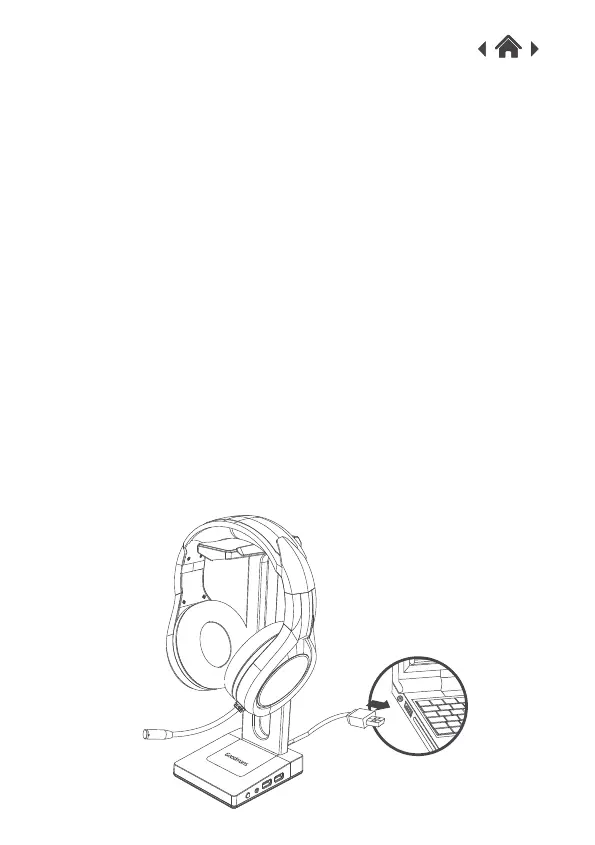
1.Connect the USB power cable of the Headset Stand to the USB
port of your computer.
2.Your computer will automatically recognize the Headset Stand
with HUB function.
3.Press the LED light button to change the breathing mode with 7
colour lights and off/on function.
Note: The Headset Stand will not work unless the USB power
cable is connected to a computer.
Note: You can also charge your smartphone or other USB powered
device from one of the USB ports on the stand.
Quick Setup3
3.1 Connect Your Gaming Headset Stand
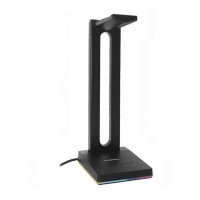
1.Place your Headset onto the holder.
2.Connect the 3.5mm plug from your headset to the 3.5mm AUX
output socket. If your Gaming Headset has LED lights you can
also connect the Headset USB to the stand USB to power these
lights.
3.2Place the Your Headset on the Holder


 To Next Page