EasyManua.ls Logo

Goodmans 363214 - User Manual

Goodmans 363214
10 pages
Print Icon
To Next Page IconTo Next Page
Loading...
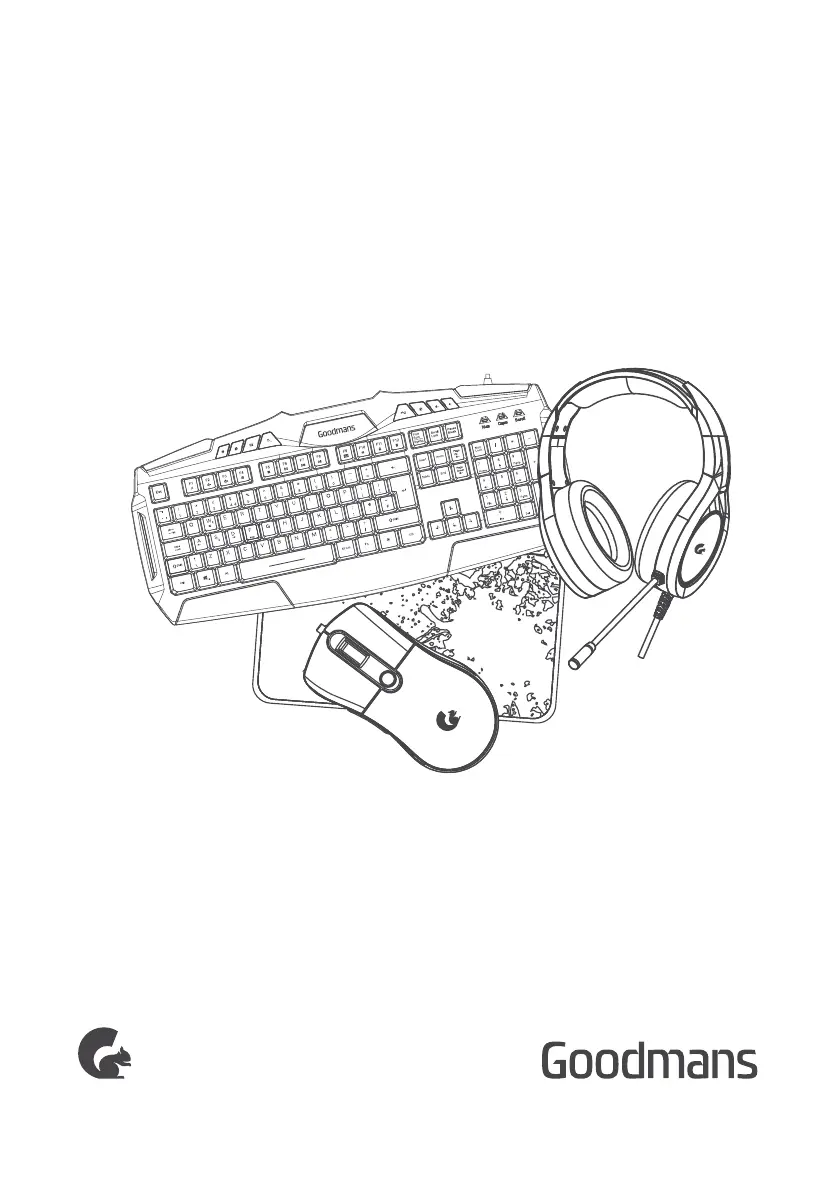
4 IN 1 GAMING BUNDLE
USER MANUAL
MODEL: 363214

Questions and Answers

  • M
    michaeltorresAug 5, 2025
    Why are the LED lights on my Goodmans Video Gaming Accessories mouse not working?
    • E
      Erin McguireAug 5, 2025
      If the LED lights on your Goodmans Video Gaming Accessories mouse aren't working, ensure the USB connector is properly connected to your PC or games console.
  • M
    matthewalvaradoAug 12, 2025
    How to fix Goodmans 363214 keyboard that is not working?
    • G
      gschmittAug 13, 2025
      If your Goodmans Video Gaming Accessories keyboard isn't working, make sure the USB connector is connected to your PC or games console. Additionally, press the LED light button on the keyboard to check if the keyboard is connected.
  • M
    Marc BarnesAug 19, 2025
    Why are the LED lights on my Goodmans 363214 Video Gaming Accessories headphones not working?
    • S
      Steven EscobarAug 19, 2025
      If the LED lights on your Goodmans Video Gaming Accessories headphones are not working, ensure that the USB connector is connected to your PC or games console.
  • B
    Brian LeAug 28, 2025
    What to do if the microphone on my Goodmans 363214 headset isn't working?
    • L
      lewiscatherineAug 28, 2025
      If the microphone on your Goodmans Video Gaming Accessories headset isn't working, make sure that the microphone and headphone sockets have been connected to the correct ports. Also, ensure that the microphone arm has been rotated downwards.

Summary

Welcome

Your 4 in 1 Gaming Bundle

In The Box

Lists the components included in the gaming bundle: wired headphone, keyboard, mouse, mouse pad, and manuals.

Headphone Product View

Details the parts of the headphone, including microphone, LED light, and volume control with connector types.

Keyboard Product View

Details the parts of the keyboard, including LED light, backlight, FN button, and USB plug with support frame.

Mouse and Mouse Pad Product View

Details the parts of the mouse and mouse pad, including buttons, DPI, LED light, USB plug, and signal radiation.

Sound Levels

Troubleshooting

Keyboard Troubleshooting

Addresses issues with the keyboard not working and provides steps to check connections and light buttons.

Headphone Troubleshooting

Covers problems with the microphone, LED lights, and voice clarity on the headset, suggesting port and arm adjustments.

Mouse Troubleshooting

Details troubleshooting steps for the mouse's LED lights, ensuring the USB connector is properly connected.

Technical Specifications

Keyboard Specifications

Provides technical details for the keyboard: frequency response, sensitivity, impedance, weight, and size.

Headphone Specifications

Details technical specifications for the headphone: key life, operate voltage, weight, and size.

Mouse Specifications

Lists technical specifications for the mouse: buttons, DPI, key life, operate voltage, weight, and size.

Mouse Pad Specifications

Provides weight and size specifications for the mouse pad.

EC Declaration

Goodmans 363214 Specifications

General IconGeneral
BrandGoodmans
Model363214
CategoryVideo Gaming Accessories
LanguageEnglish

Related product manuals