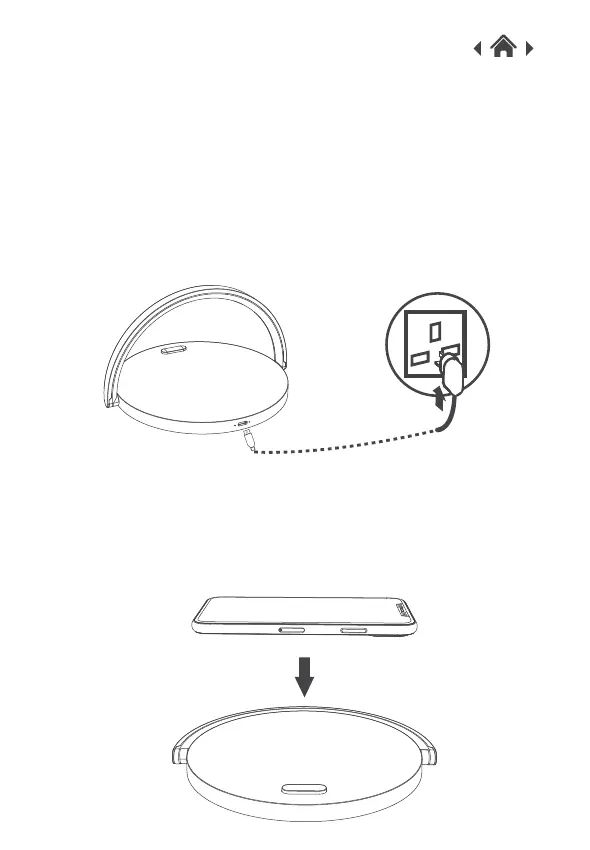
1.Connect the cable provided to the Type-C port on the wireless
charger.
2.Connect the other end of the USB cable to a power adapter
(Not included). Please note fast charging requires a 9V plug
adaptor.
3.When connected successfully, the white LED indicator light will
turn on.
Quick Setup3
3.1Connect Your QI Wireless Charging with Mood
Light
1.
2.The charging indicator light will illuminate blue when your device
is charging and change to white when your device is fully
charged.
3.2Charging Your QI enabled devices
Place your QI enabled device on the wireless charger.



 To Next Page