P. 14
GENERAL OPERATION
• ON/OFF
Press the PWR button (1) to turn on. Press PWR again to turn it off.
• MUTE
Press the MUT button (3) to mute the receiver. Press again to resume listening.
• FACEPLATE RELEASE
Press Release panel button (5) to detach the removable faceplate.
• LOUDNESS
Press and hold BND/LOU button (6) until display shows “LOUD“ to increase bass
output.
• SET THE CLOCK
Press and hold the DSP button (7), the clock will show on the display, then press the
TRACK/TUNE
button (16) to set minutes or TRACK/TUNE button (15) to
set hours.
• SELECT MODE
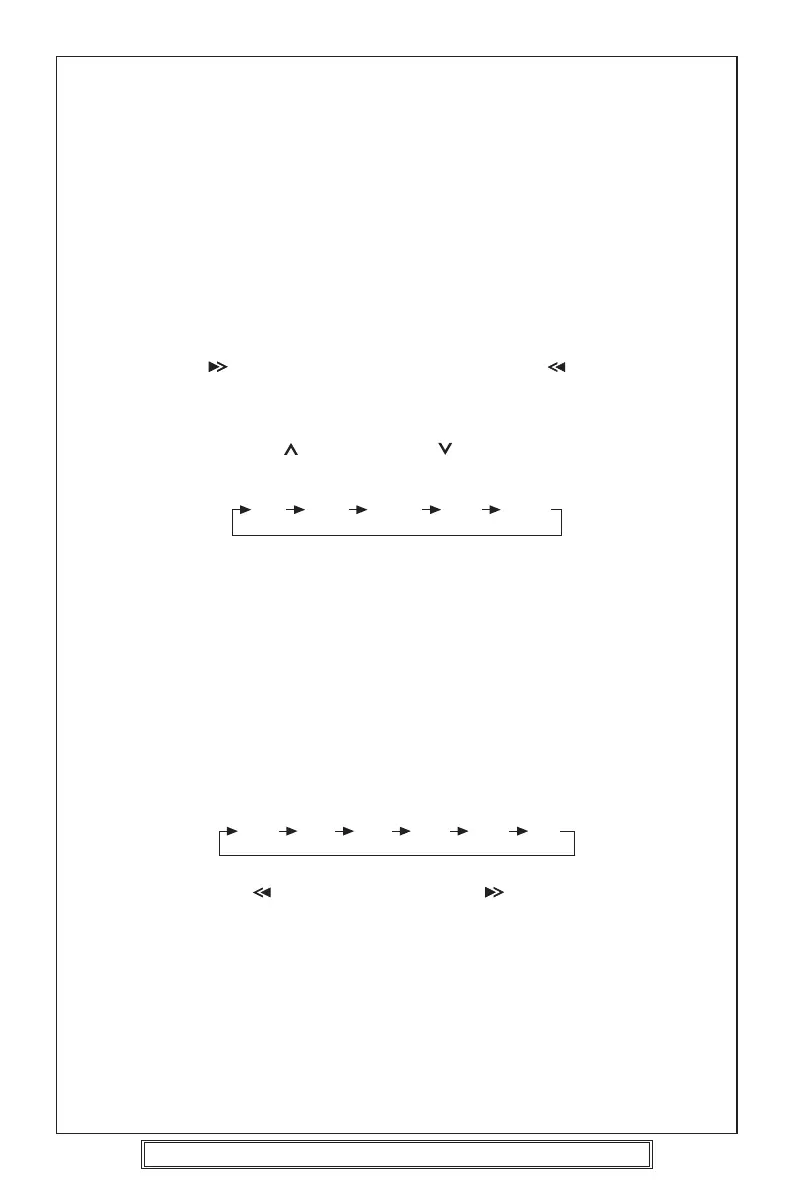
Press SEL button (9) to move display through bass, treble, balance, fader and volume
functions. Use VOLUME (10) and VOLUME (11) buttons to adjust the selected
mode. When mode has not been adjusted for several seconds, display returns to
normal radio or CD display.
• SELECT LISTENING MODE
Press MOD button (13) to choose desired listening mode.
(e.g. radio mode to CD mode)
• LIQUID CRYSTAL DISPLAY
Displays current frequency or current track on the display (14).
• RESET
Press RESET button (24) to re-initialise the unit in case abnormalities or malfunction
is observed. When reset is activated, all preset station/program will be cleared.
Reset button can be access by any pointed material.
RADIO OPERATION
• SELECT BAND
Press BND/LOU button (6) to change between three FM bands, one MW band and
one LW band. Each band can store six preset stations.
• SELECT STATIONS
Press TRACK/TUNE
button (15) or TRACK/TUNE button (16) briefly to tune
to a station manually. Hold it for several seconds to automatically search for the
previous or next station.
• MONO/STEREO
Press MON button (4) to select mono or stereo mode if there is a large amount of
noise (hiss). When listening to an FM station in stereo, press this button to listen in
MONO.
• PRESET STATIONS
The six buttons (17) store and recall stations for each band.
To store a station:
Select a band (12) and station, then hold a preset button for several seconds.
BA TR B F V-
(Bass) (Treble) (Balance) (Fader) (Volume)
Goodmans Product Information Helpline (0870) 873 0080
FM1 FM2 FM3 MW1 MW2 LW



 To Next Page