P. 8
USING THE DETACHABLE FRONT PANEL
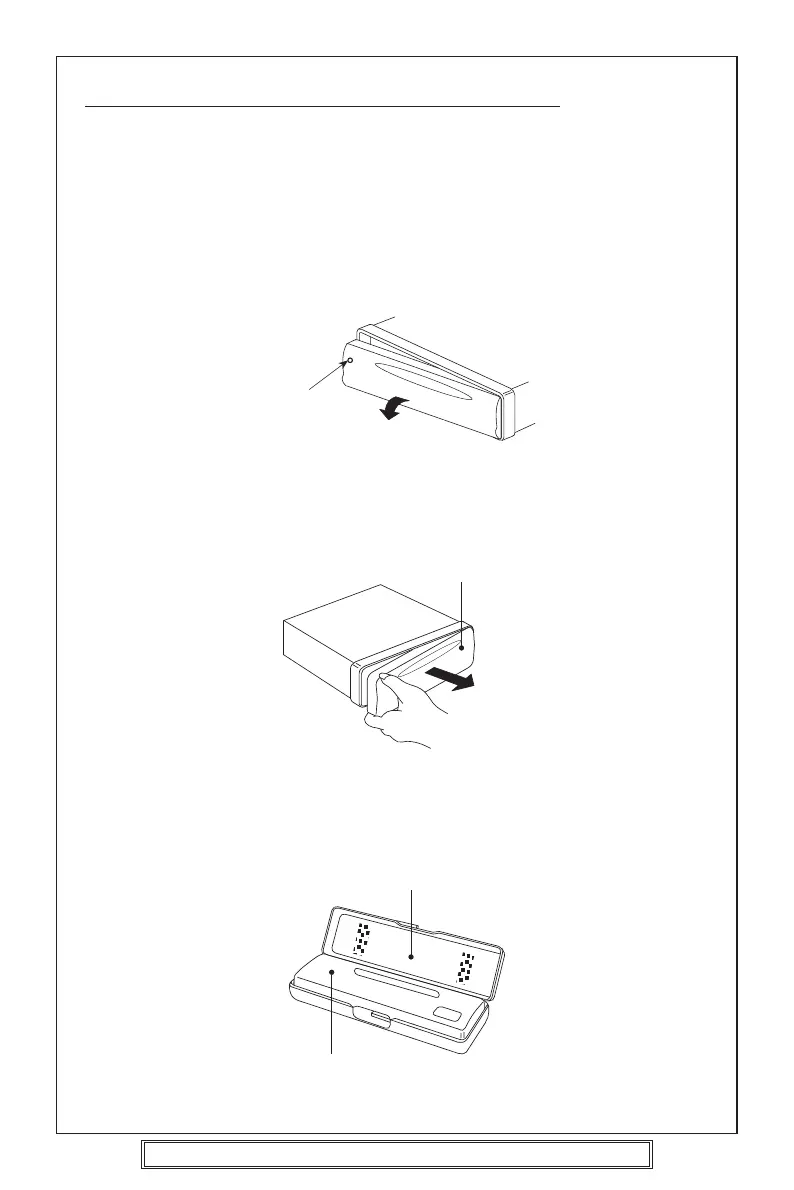
To Detach the Front Panel
1. Press the release button (REL), then the left-hand side of the panel will be ejected.
2. Remove the front panel by pulling its left-hand side outward.
3. For safekeeping, store the front panel in the supplied protective case immediately
after being removed.
Protective Case
Front Panel
Goodmans Product Information Helpline (0870) 873 0080
Release Button
Front Panel



 To Next Page