P. 19
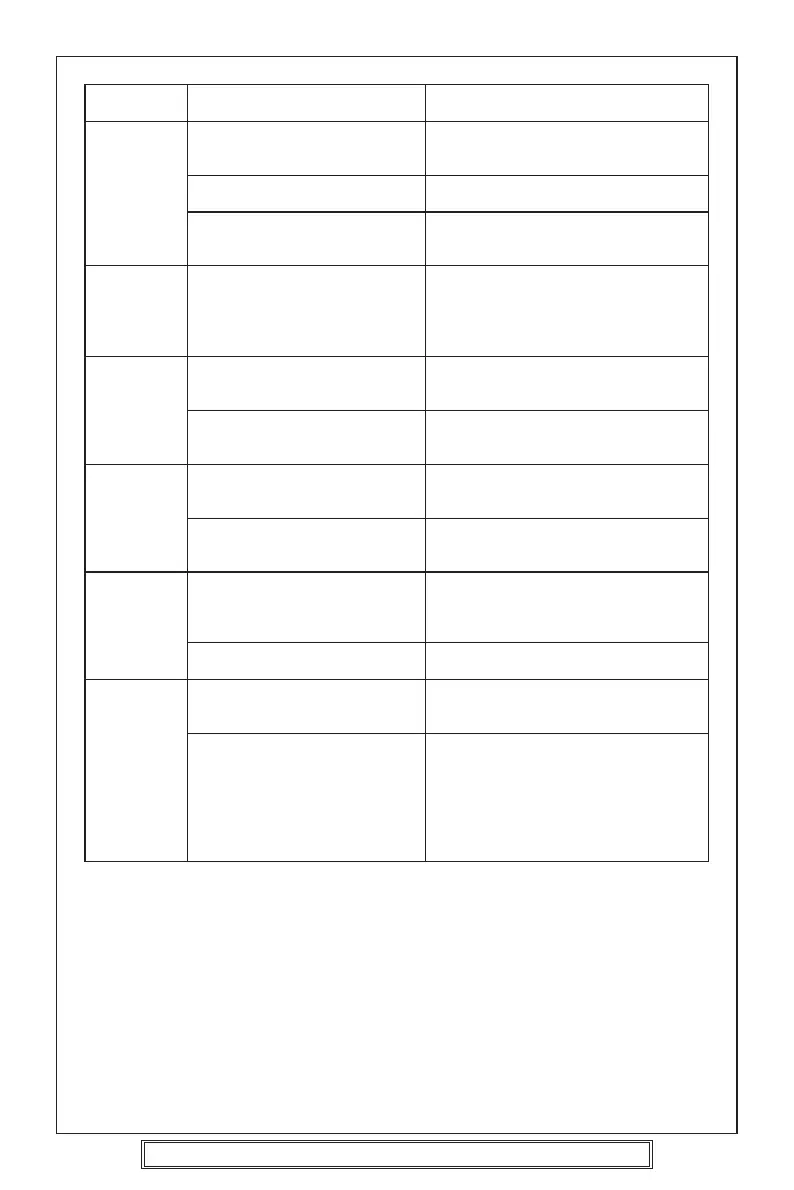
Symptom Cause Solution
No sound. Adjust the volume control. Adjust the sound to the level you
want.
Unit is not connected properly. Double check the connections.
The connection cords are not Check the speaker cords and the
connected properly. other connection cords.
The The built-in microcomputer is Remove the compact disc, then
operation operating incorrectly. insert it again.
keys do not Press the reset button.
work.
Sound The installation angle is greater Adjust the angle to less than 30°.
skips. than 30°.
The disc player is not correctly Fasten the disc player securely.
secured.
Sound The compact disc is extremely Clean the compact disc, try to play a
skips. dirty or defective disc. different disc.
Condensation. Leave the disc player off for an hour
or so, then try again.
The sound The compact disc is defective. Try another disc.
quality is If that disc plays properly, the first
poor. disc is defective.
The compact disc is dirty. Clean the disc.
The radio The aerial cable is not Insert the aerial cable solidly.
does not connected.
work.
The radio The signals are too weak. Select a station manually.
station
automatic
selection
does not
work.
Goodmans Product Information Helpline (0870) 873 0080



 To Next Page