EasyManua.ls Logo

Goodmans GDVDPLY01 - User Manual

Goodmans GDVDPLY01
22 pages
Print Icon
To Next Page IconTo Next Page
Loading...
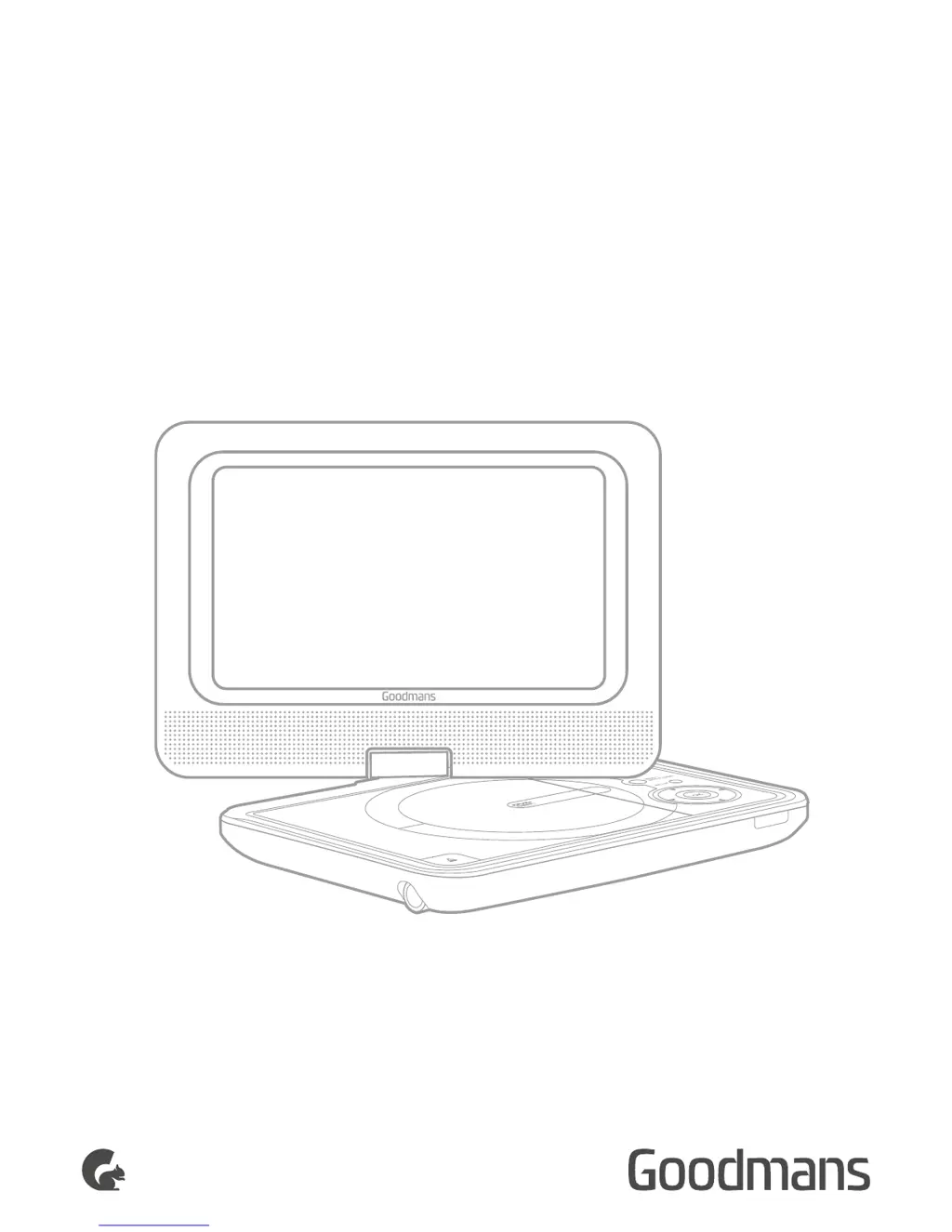
USER MANUAL
MODEL: GDVDPLY01
PORTABLE
DVD PLAYER

Other manuals for Goodmans GDVDPLY01

Questions and Answers

Summary

Welcome

Your DVD Player

In The Box

Lists included accessories and support contact.

Open Top View

Identifies buttons and ports on the top of the player.

Side View

Identifies ports and switches on the side of the player.

Remote Control

Details the functions of each button on the remote control.

Quick Setup

Power On;Off - Mains Operation

Instructions for connecting to mains power and turning the unit on.

Charging the Internal Battery

Guide on charging the built-in battery and its duration.

Standby

How to enter and exit standby mode using the remote.

Fitting The Remote Batteries

Step-by-step guide for inserting batteries into the remote.

Connection to a TV

Instructions for connecting the player to an external TV using AV cables.

Connecting a second unit as a slave display

How to link two players for synchronized screen output.

Operation

Getting Started

Initial steps to power on the player and play a DVD disc.

Basic Operation

Covers stopping, skipping, fast search, menu access, and volume control.

Change Viewing Angle

How to select different camera angles on DVDs with multi-angle support.

Selecting an Audio Track

How to switch between available audio languages or formats.

Subtitles

Instructions for enabling and selecting subtitle tracks on DVDs.

GOTO Function

Method to jump to specific chapters, times, or tracks on a disc.

Program Playback (up to 20 tracks)

Guide to creating custom playback sequences of tracks or chapters.

Picture Disc; JPG Image Viewer

How to view JPG images from discs, including display modes and functions.

Earphone Usage

Connecting earphones and adjusting volume safely.

Adjusting the Swivel Display

How to rotate the player's screen for optimal viewing.

Setup Menu

System Setup

Overview of the setup menu for player configuration.

General Setup

Settings for TV display, angle marks, OSD language, and screen saver.

Audio Setup

Configuration for speaker setup and Dolby Digital audio modes.

Video Setup

Adjustments for image sharpness, brightness, and contrast.

Preferences Setup

Settings for TV type, language, parental controls, and passwords.

Useful Information

Disc Handling

Essential guidelines for handling discs to prevent damage.

Disc Information

Explains disc structure (titles, chapters, tracks).

Copyright Information

Details copyright protection technology and licensing.

Disc Types

Lists compatible disc formats and playback specifications.

Region Management Information

Explains region coding and player compatibility.

Troubleshooting

Disc cannot be played

Solutions for issues related to disc loading, condition, or format.

No picture or sound

Troubleshooting steps for lack of audio or video output.

The remote does not respond

Steps to resolve issues with the remote control's functionality.

Forgotten the Pass Code

Procedure to recover access if the parental control password is lost.

Technical Specifications

Customer Support

Goodmans GDVDPLY01 Specifications

General IconGeneral
Screen Size7 inches
ConnectivityAV output, headphone jack
Power SourceAC adapter, rechargeable battery
Battery LifeUp to 2.5 hours
Region CodeRegion 2
Playable Media FormatDVD, CD
Playback FormatsDVD, MP3, JPEG
Resolution480 x 234 pixels