NEXUS 7 (2013) GUIDEBOOK GOOGLE NOW & SEARCH 45
Adjust notications
When cards appear, you’ll receive a notication. You can touch
the notication to open the card, or swipe to dismiss it.
For high-priority card notications, you can set a ringtone or turn
Vibrate on or off. You can also turn notications for specic types
of cards off completely. To adjust notications:
• Touch Menu > Settings > Notications
Use the Google Now widget
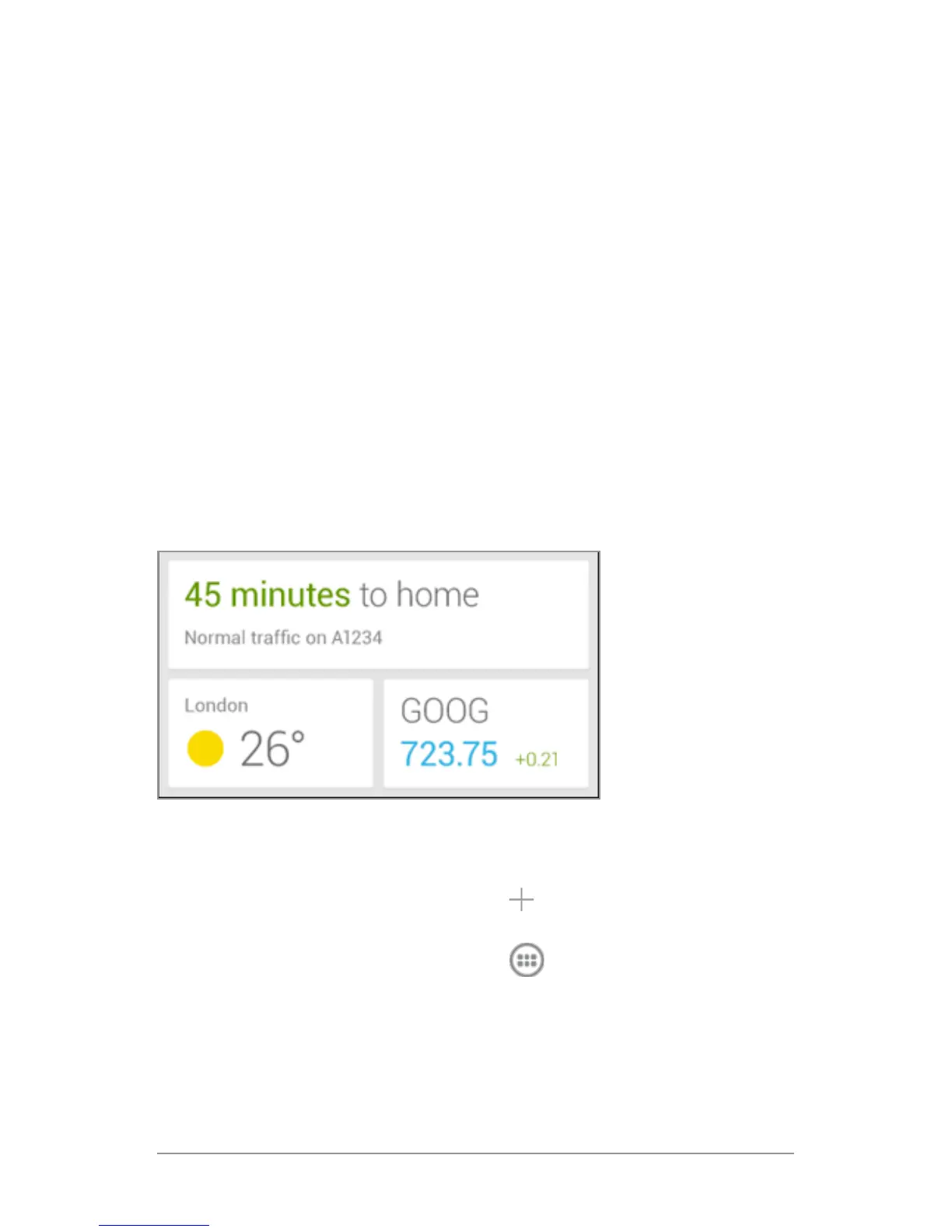
The Google Now widget displays a summary of your current Goo-
gle Now cards, either on a Home screen or on the lock screen.
Touch the widget anywhere to see the details in Google Now.
To add a Google Now widget:
1. To the lock screen: Touch the
Add icon and follow the
instructions.
2. To the Home screen: Touch the
All Apps icon and swipe
left until you nd the widget. Then touch & hold the widget to
activate a Home screen, and drag the widget to the location
you want.


 To Next Page