Operation Instructions
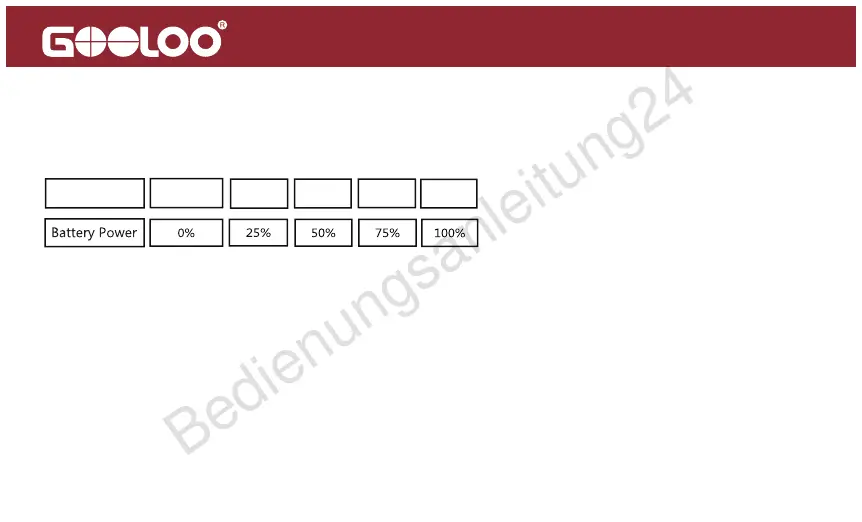
Battery Power:
1 Bar 2 Bars 3 Bars 4 Bars
0 Bar
Ba�ery Icon
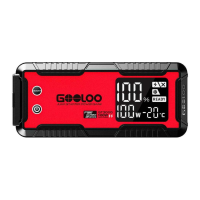
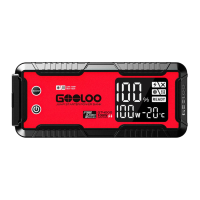
Press the power button to check the battery power:
The battery icon will blink one by one during the period of charging. Different bars of battery
icon show different battery power, the battery icon becomes 4 bars when the charging
process was finished.
This unit can be charged with the type-c cable and wall charger(wall charger Not Included).
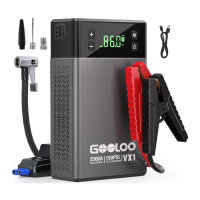
How to Charge the VX1
3


 To Next Page