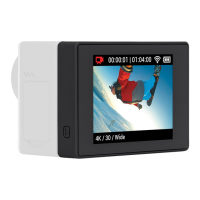
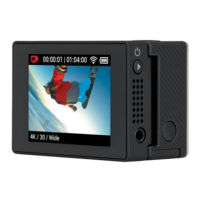
The Basics
1. USB-C Port
2. Power Button
3. Micro-HDMI Cable
4. Battery Status Indicator
CHARGING
Connect your Display Mod to a USB charger or computer using the included USB-C
cable. It will take about 1 to 1.5 hours to fully charge the battery. Charge time will
vary depending on your charging method. Charging with a computer will take longer
than using a standard phone charger. You can see the charge status by checking the
battery status indicator .
BATTERY LIFE
The Display Mod battery can power the screen continuously for up to 2 hours.
Battery life may vary based on usage and other external conditions.
Heads Up: The battery status indicator shows your Display Mod’s battery life. Check
your camera’s touch screen to see your camera’s battery life.
Battery
Note: Camera and Media Mod are not included.
Mounting
FOLDING DESIGN
Screen folds down when not in use.
1
2
1 2
2
3
1
4


 To Next Page