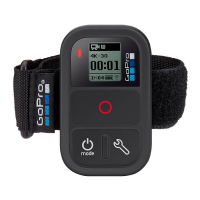
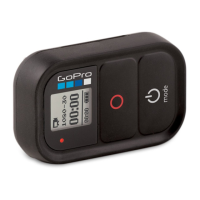
What’s Included Installing the Remote Battery Pairing to Your GoPro Resetting the Shutter Remote
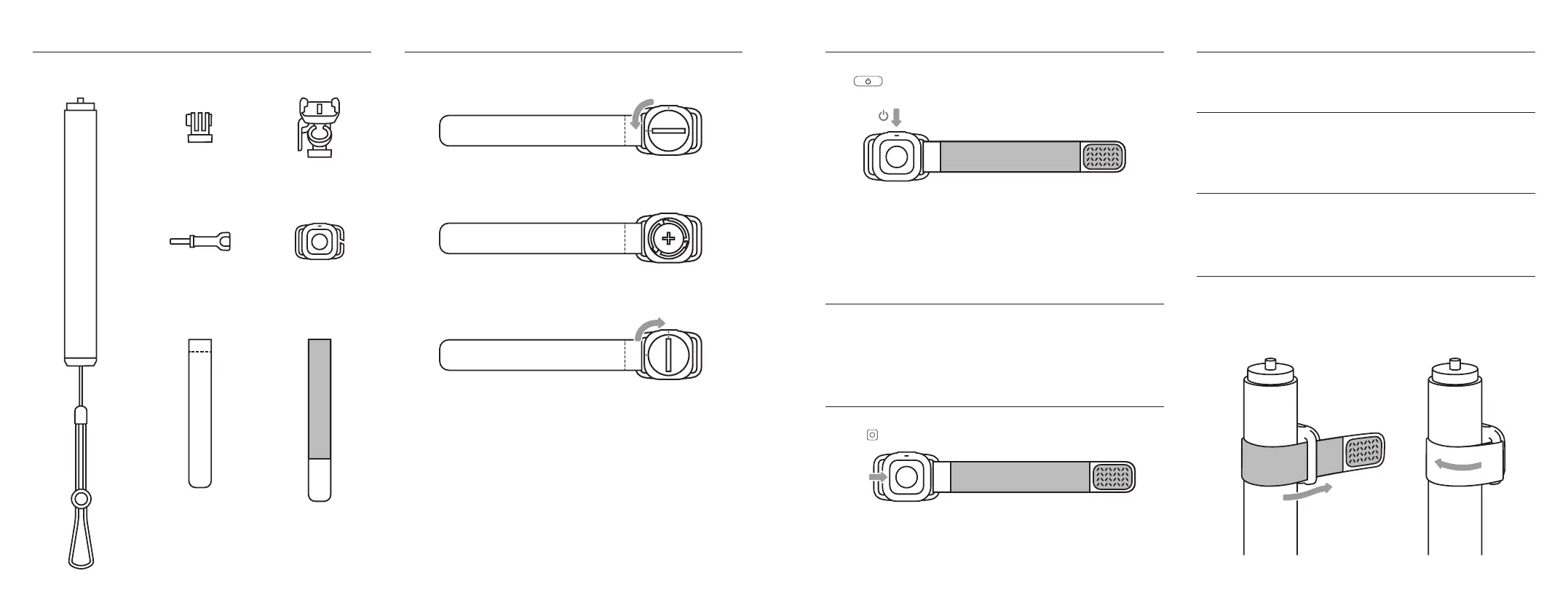
1. Use a coin to unlock the remote’s back panel. Gently press the coin into the slot
on the back panel and rotate one quarter turn counter-clockwise.
2. Carefully remove the back panel and install the included battery with the positive
(+) flat side of the battery face up.
3. Reinstall the back panel. Use a coin to press and rotate the panel one quarter
turn clockwise until the dots align and it clicks into place.
Note: Be sure that the door is securely locked and sealed after closing.
Heads Up: The battery may stop working at very low temperatures (-4°F/-20°C and
below). It may work again after it warms back up.
With the remote o and your camera in pairing mode, press the remote’s Power
button . The remote’s status light will blink blue every 0.5 seconds to show
that it’s in pairing mode.
The status light will blink blue every 5 seconds if the pairing was successful.
To pair additional cameras (or re-pair your original camera), follow the same steps
but press and hold remote’s power button for 3 seconds to put it into pairing mode.
Heads Up: HERO11 and earlier cameras cannot be connected to the remote and the
GoPro app at the same time.
Turning the Shutter Remote On
Simply press the remote’s Power button to turn it on. This will also turn on your
camera if the remote and camera were connected within the previous 8 hours. If
not, turn on your camera. They will pair automatically. The remote’s status light will
turn solid blue when scanning for your camera and will blink every 5 seconds after
it connects.
Recording With the Shutter Remote
1. With your camera on and connected to the remote, simply press the remote’s Shutter
button to start capturing with the mode that’s currently active on your camera.
2. Press the Shutter button again to stop recording.
Heads Up: The remote’s status light will blink red to show that recording is in progress.
PRO TIP: If your camera’s been o for less than 8 hours, you can press the remote’s
Shutter button to power on your camera and start recording with QuikCapture.
Press and hold the Power button for 8 seconds if you need to reset the remote.
Low Battery Indicator
An alert on your camera’s display will let you know when the remote’s battery is running
low. Replace the battery with a CR2032 coin cell battery. We recommend the GP CR2032
battery for the best performance.
Turning Your Shutter Remote O
Press and hold the remote’s Power button for 3 seconds to turn it o. It will also turn o
your GoPro if it’s connected.
Attaching the Shutter Remote to the
Extension Pole
Use the remote’s straps to attach it to the extension pole.
1. Wrap the remote’s strap around the grip and thread the end through the loop on the
other side of the remote.
2. Fold the strap back on itself and use the hook and loop fasteners to secure the strap.
Extension Pole +
Wrist Lanyard
Mounting Finger
Adapter
Thumb Screw
Ball Joint Adapter
+ Mounting Base
Waterproof
Shutter Remote
Remote Strap Remote Wrist Strap
Extension

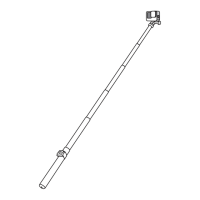

 To Next Page
 Loading...