EasyManua.ls Logo

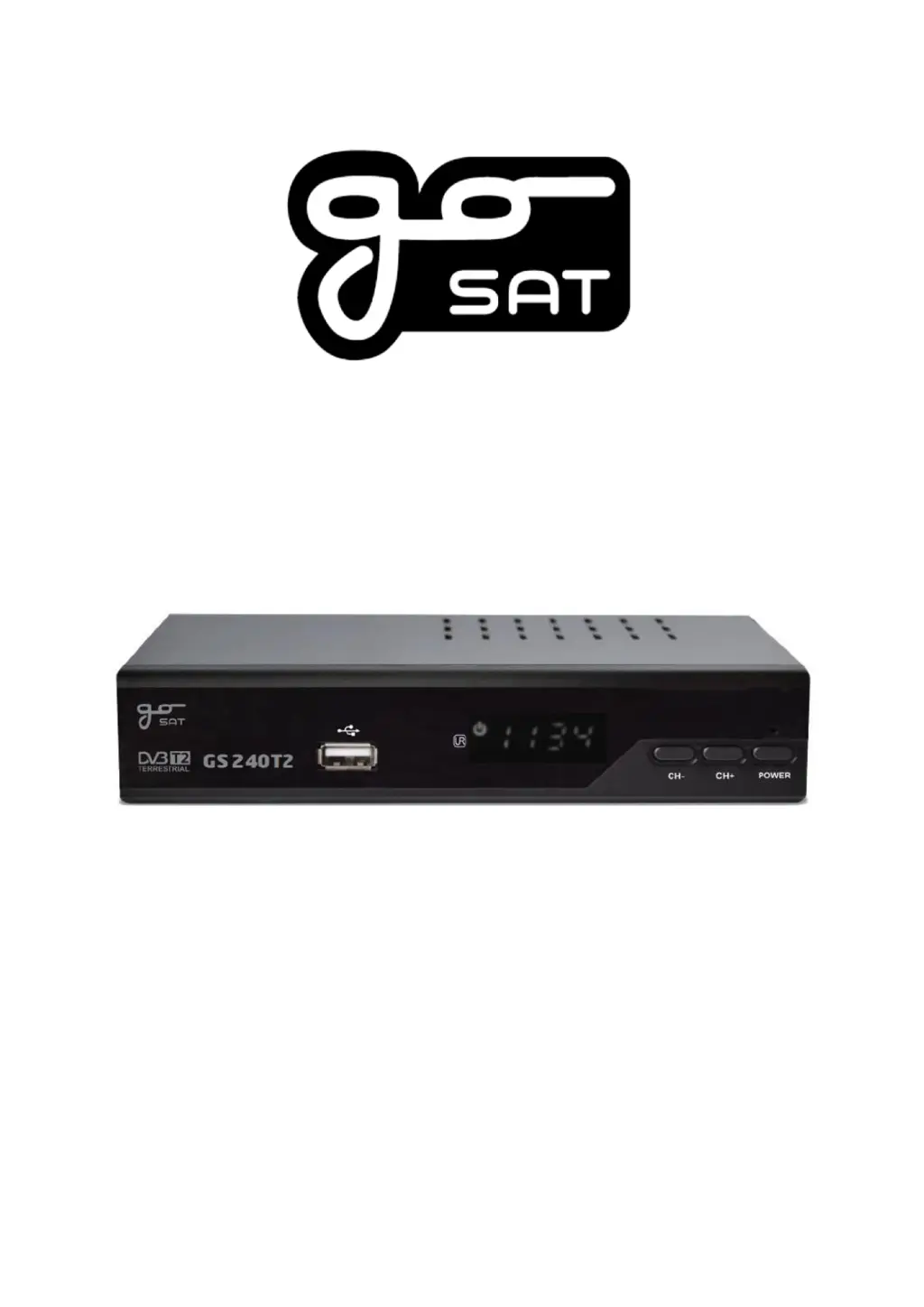
GoSAT GS 240T2 - User Manual

GoSAT GS 240T2
18 pages
Print Icon
To Next Page IconTo Next Page
Loading...
Digital terrestrial receiver HD DVB-T2
GS 240T2
Cat. n. 14580384
User manual
Please read this user manual thoroughly before setting up the receiver
and follow all provided safety instructions.
EN

Questions and Answers

Summary

Introduction

Important Safety Instructions

Receiver Description

Package Contents

Lists items included in the receiver package.

Front Panel Overview

Details the front panel components and their functions.

Rear Panel Connections

Describes the rear panel connections and ports.

Remote Control Functions

Explains the functions of each button on the remote control.

Remote Control Battery Installation

Provides instructions and diagrams for installing batteries in the remote.

Using the Remote Control

Explains how to operate the remote control effectively.

Remote Control Programming

Guides users on programming the remote to control other devices.

Setting Up the Receiver

Installation Steps

Outlines the steps for physically installing the receiver and connecting it.

First Start and Initial Setup

Details the initial setup process and on-screen guide.

Basic Receiver Operation

Covers fundamental operations and button functions when no menu is active.

Channel List Management

Explains how to organize, edit, and manage channel lists and favorites.

Manual PVR Recording

Describes how to record broadcasts using a connected USB device.

Electronic Program Guide (EPG)

Explains how to use the Electronic Program Guide for program information.

Teletext Access

Details how to access and navigate Teletext services.

Main Menu Overview

Program Menu

Covers channel editing options like delete, move, skip, lock, and favorites.

Picture Settings

Allows adjustment of display settings like aspect ratio, resolution, and OSD appearance.

Channel Search

Explains how to search for channels using different modes and settings.

Time and Timer Settings

Manages time settings, sleep mode, and timer events for recording or power control.

Options Configuration

Configures language preferences for menus, subtitles, and audio.

System Settings

Manages system settings, security locks, password changes, and software updates.

USB Media and Internet Features

Covers media playback, PVR recording management, and internet app access via USB.

Troubleshooting

Technical Specifications

Warranty Conditions

GoSAT GS 240T2 Specifications

General IconGeneral
Video FormatMPEG-2, MPEG-4, H.264
Operating Temperature0°C to +40°C
Weight0.5 kg
Output Resolution1080p
Audio FormatMPEG-1 Layer I/II, AAC
ConnectivityHDMI, USB
DemodulationQPSK, 16QAM, 64QAM
Input ConnectorIEC female
Input Frequency174 - 230 MHz, 470 - 862 MHz
Symbol Rate2 ~ 45 Ms/s