GOST Phantom – Installation + Programming Guide
support@gostglobal.com or (954) 565-9898 21
“10-Installer ID”
It is not necessary to modify this area of
programming unless directed by the owner of if the
installer has security concerns of someone changing
installer codes on the system. Consult GOST
support if further information is needed on this
section.
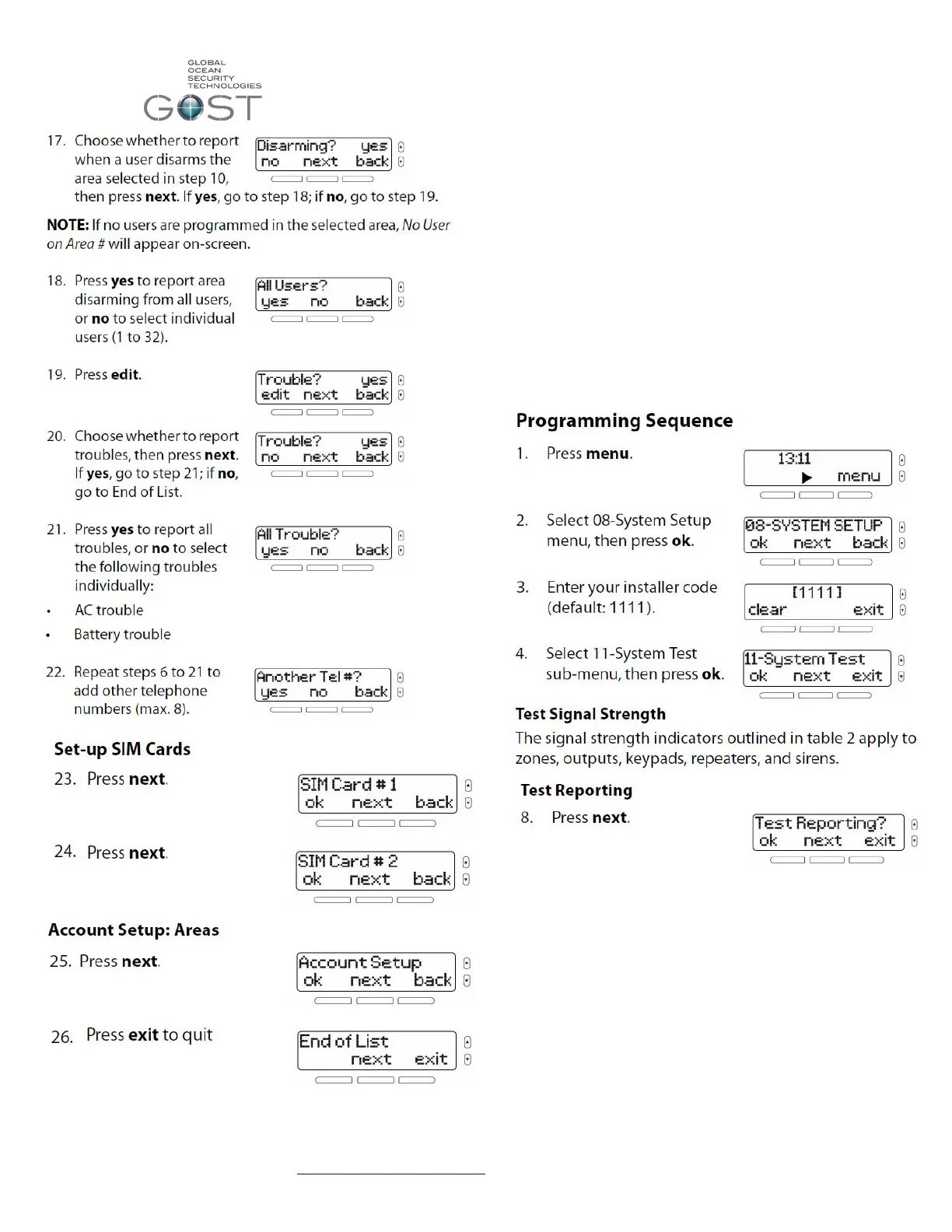
“11-System Test”
This area can be used after the install is complete
to test assorted wireless entities of the system.



 To Next Page