7
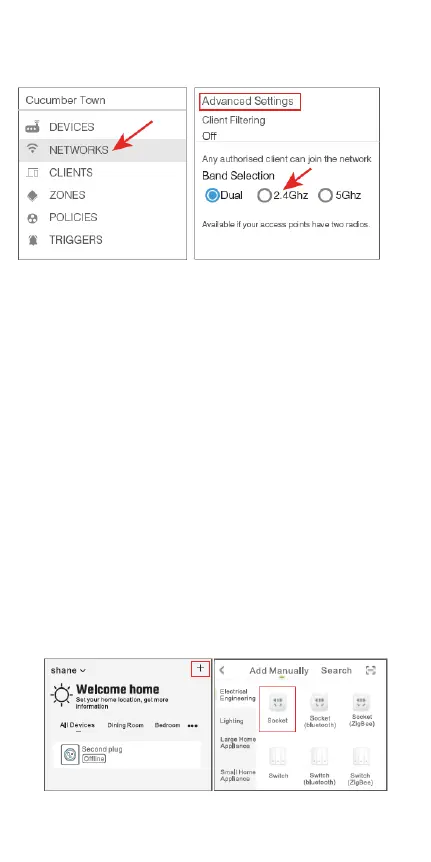
change the settings to have 2.4GHz Wi-Fi.
→Choose the “+” symbol.
A: For Easy Mode Connection – The blue
indicator light will flash rapidly (every 0.5
seconds).
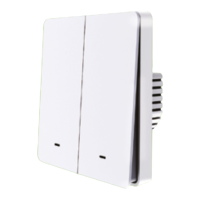
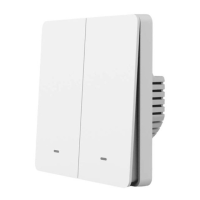
→ Confirm, that the smart switch is installed
correctly.
→ Open the Gosund app.
→ “Socket”
→ Confirm the light status on your plug and
follow the apps guide. (If you don’t see the
blue light quickly flashing, press the on/off
button to reset.)
→ Set a unique name for this smart switch,
choose the room location.


 To Next Page