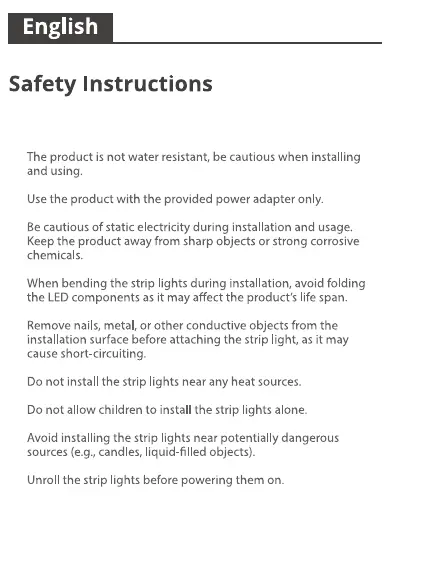
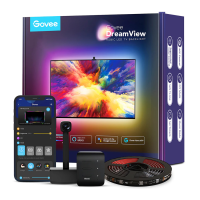
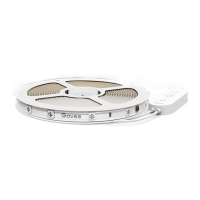
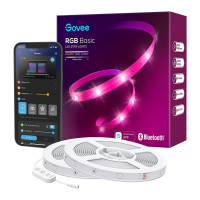
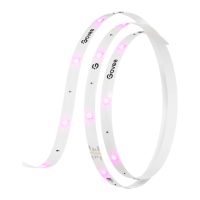
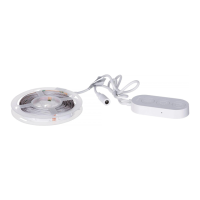
Read and follow all the safety instructions:
●
●
●
●
●
●
●
●
●
●
●
Installing Your Device
Pairing Your Device with the Govee
Home App
Unpack the box and check all items listed in the packing list.
Power on the strip lights and check whether they lights up.
❶
❷
Before You Install
What You Need
Installing Steps
❶
Wipe the surface to make
sure it's clean and dry.
A Wi-Fi router supporting the 2.4GHz and 802.11 b/g/n
bands. 5GHz is not supported.
A smartphone or tablet running iOS or Android.
Controlling the Device with Your
Voice
❶
❷
❸
Open the Govee Home app, then tap the device icon to
enter details page.
Tap the settings icon in the top right corner.
Select Using Guidance and the onscreen instructions to
control the device using your voice.
❷
Peel off the protective film
on the tape, stick the strip
on and press over it firmly.
❸
Reinforce via clips around
corners.
❹
Peel off the protective film
on the control box and stick
it on.
❺
Power on the strip lights
and start using.
Pairing Instructions
❶
❷
❸
❹
Download the Govee Home app from the App Store (iOS
devices) or Google Play (Android devices).
Turn on Bluetooth on your smartphone.
Open the app, tap the “+” icon in the top right corner and
search for “H614E”.
Tap the device icon and follow the on-screen instructions to
complete pairing.
Govee Home
Troubleshooting
❶
The adhesive tape is not strong enough.
Length
Light Color
Water Resistance
Control Method
Power Supply
30(15m-2Rolls)/100ft(50ft-2Rolls)
RGB
NO
App, Control Box, Voice Control
Adapter 12V
Specifications
Make sure the installation surface is clean and dry.
Firmly press over the strip after sticking.
Reinforce the installation via more clips and tape.
❷
Cannot connect to Bluetooth.
Do not skip Bluetooth connection in the app.
Ensure Bluetooth on your smartphone has been turned on.
Your smartphone may be incompatible with the Govee
Home app. Try using a different smartphone then
reconnect.
01 02 03 04 05 06


 To Next Page