Read and follow all the safety instructions:
●
●
●
●
●
●
●
●
●
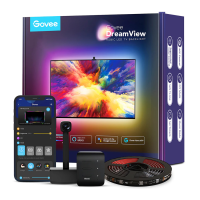
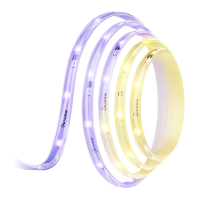
Thanks for choosing the Govee RGBIC LED Strip Lights. This
product is equipped with a 5m RGBIC strip light and supports
app, voice (Alexa/Google Assistant), and IR remote control.
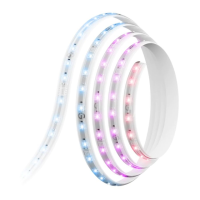
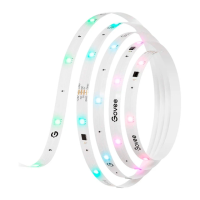
RGBIC is Govee's latest lighting display technology. With its
advanced IC chips (independent control), each strip light
segment can be adjusted independently, creating vibrant
rainbow effects.
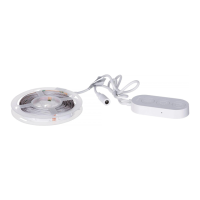
Peel off the protective film
on the control box and stick
it on.Place the control box
close to the music source to
achieve the best music
effect.
Pairing Instructions
❶
❷
❸
❹
Download the Govee Home app from the App Store (iOS
devices) or Google Play (Android devices).
Turn on Bluetooth on your smartphone.
Open the app, tap the “+” icon in the top right corner and
search for “H618A”.
Tap the device icon and follow the on-screen instructions to
complete pairing.
5m/16.4ft
RGBIC
NO
App, Control Box, Voice Control
Adapter 24V


 To Previous Page