03
Installing Your Device
Unpack the box and check all items listed in the packing list.
Power on the neon rope light and check whether it lights up.
❶
❷
Before You Install
Installing Steps
❶
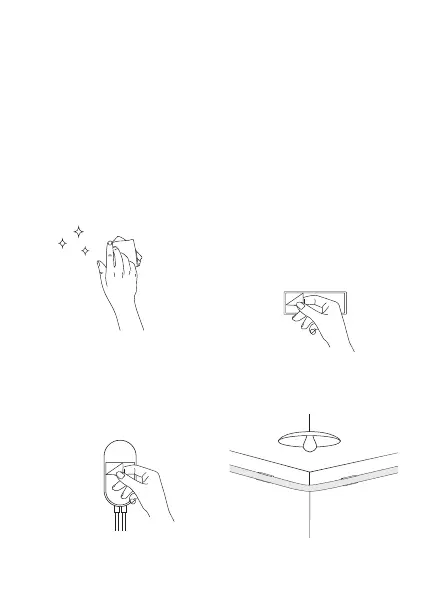
Wipe the surface to make
sure it's clean and dry.
❷
After tearing o the adhesive lm,
you can stick the buckle to the place
you want and press it rmly (if
necessary, you can reinforce the
buckle with a screw), and then clip
the neon rope light into the buckle.
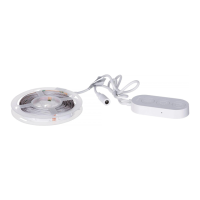
Peel o the protective lm on
the control box and stick it
on.Place the control box close
to the music source to achieve
the best music eect.
❹
Power on the neon rope
lights and start using.
❸


 To Next Page