❶
❷
❸
❹
Download Govee Home app from the App Store (iOS devices)
or Google Play (Android devices).
Turn on the Bluetooth on your smartphone.
Open the app, tap the “+” icon in the top right corner and
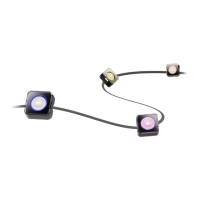
search for “H705A”.
Tap the device icon and follow the on-screen instructions to
complete pairing.
Specifications
Power Input (Adapter)
Power Input (Light)
Length
Waterproof
200-240 VAC 50/60Hz
36VDC 2A
100ft
Light string: IP67
Control box: Rainproof
Adapter: Rainproof
Controlling the Light with Your Voice
❶
❷
❸
Open the app, then tap the device icon to enter the details
page.
Tap the setting icon in the top right corner.
Select Using Guidance and follow the on-screen instructions
to control the device using your voice.
03


 To Next Page