EasyManua.ls Logo

Govee H7121 - User Manual

Govee H7121
20 pages
Print Icon
To Next Page IconTo Next Page
Loading...
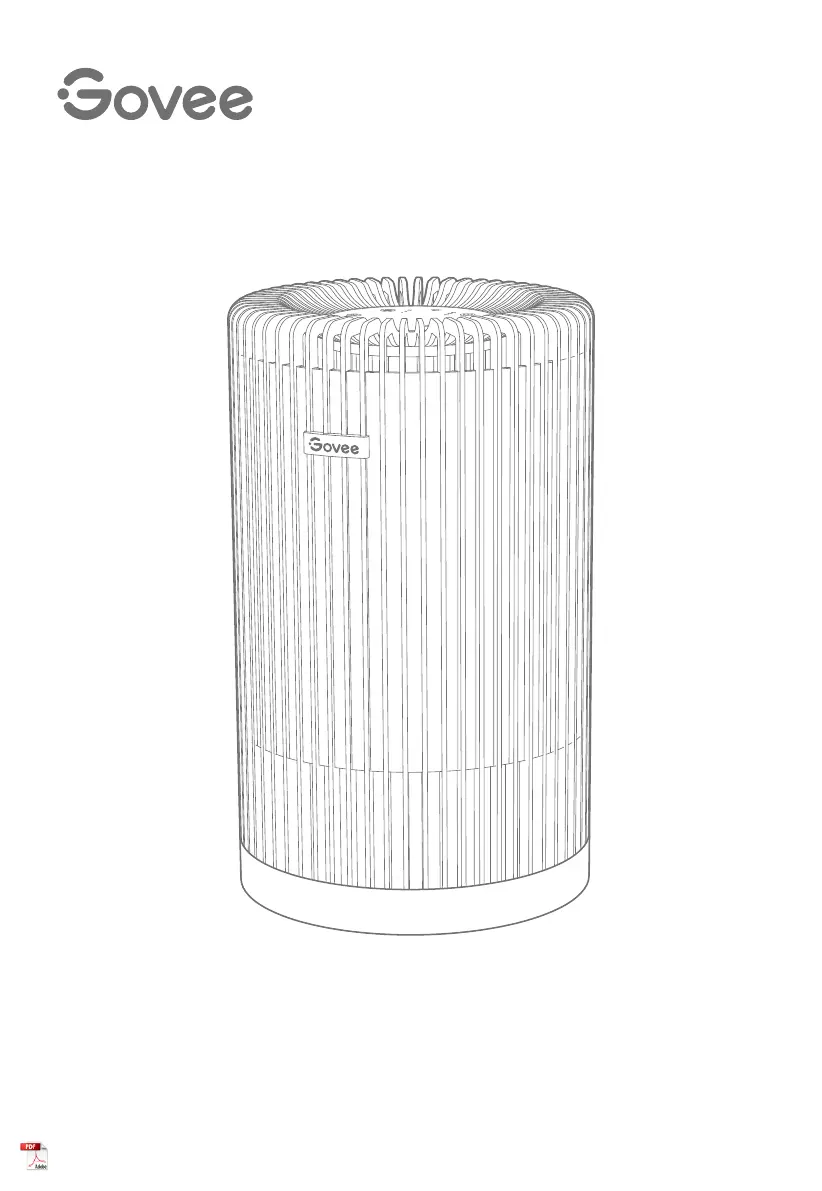
Govee Smart Air Purifier
User Manual
Model
:
H7121

Questions and Answers

  • C
    cperkinsAug 5, 2025
    Why my Govee Air Cleaner cannot connect to the Govee Home App?
    • Z
      Zachary LawrenceAug 5, 2025
      There are several reasons why your Govee Air Cleaner might not connect to the Govee Home App. First, ensure that your smartphone's Bluetooth is enabled and not connected to other Bluetooth air purifiers. Enable the smartphone’s Location Services. Try connecting with another smartphone. Also, make sure your App is the latest version. Confirm that you are connected to the 2.4GHz network and that the network is working correctly. Verify that the Wi-Fi password you entered is correct. Shorten the distance between the air purifier, Wi-Fi router, and the smartphone. Ensure that your air purifier and the Wi-Fi router are located away from appliances that produce electromagnetic radiation.
  • K
    kararobinsonAug 10, 2025
    What to do if my Govee H7121 is offline?
    • H
      Harold BatesAug 10, 2025
      If your Govee Air Cleaner is offline, ensure it is plugged in and powered on, then refresh “My air purifiers” in the Govee Home App by swiping down on the screen. Also, verify that your router is connected to the internet and your phone’s network connection is working. If the Wi-Fi password has changed, reconnect the air purifier to the network. As a final step, you can delete the offline air purifier from the Govee Home App, then add and reconfigure it.
  • S
    Stacey MitchellAug 15, 2025
    What to do if my Govee H7121 Air Cleaner makes unusual noise?
    • A
      Allison HooverAug 15, 2025
      An unusual noise from your Govee Air Cleaner while the fan is on can be addressed by ensuring the filter is properly installed with its plastic packaging removed and that the air purifier is operating on a hard, flat, level surface. You may also need to replace the filter. If the noise persists, the air purifier may be damaged, or a foreign object may be inside; in this case, stop using the air purifier and contact Customer Support. Clean the filter or replace it with a new one if necessary.
  • M
    Michelle SchaeferAug 20, 2025
    Why does my Govee H7121 Air Cleaner have a strange smell?
    • W
      William BoyleAug 20, 2025
      If a strange smell is coming from your Govee Air Cleaner, make sure not to use it in an area with high humidity or while diffusing essential oils.
  • J
    Joshua HarrisAug 26, 2025
    What to do if my Govee Air Cleaner will not turn on?
    • W
      willie50Aug 26, 2025
      If your Govee Air Cleaner will not turn on or respond to touch controls, try these steps: First, plug in the air purifier. Check the power cord for damage; if damaged, stop using it and contact Customer Support. Try plugging the air purifier into a different electrical outlet. Also, make sure the filter’s plastic packaging is removed and the filter is properly installed. If these steps don't work, the air purifier may be malfunctioning, and you should contact Customer Support.
  • D
    Dawn BenjaminAug 30, 2025
    How to improve airflow in my Govee Air Cleaner?
    • E
      Earl MillerAug 30, 2025
      Reduced airflow in your Govee Air Cleaner can be resolved by trying the following: Tap to increase the fan speed. Ensure there are at least 15 inches / 38cm of clearance on all sides of the air purifier. Clean the pre-filter if it's clogged by large particles like hair or lint. If the issue persists, replace the filter with a new one.

Summary

Safety Instructions

General Safety

Provides essential safety guidelines for operating the smart air purifier.

Power Cord & Plug Safety

Details precautions for handling the power cord and plug to prevent hazards.

Package Includes

Specifications

Product Components Overview

Getting Started Guide

Using Your Smart Air Purifier

Functions and Controls

Explains how to use the purifier's main functions like power, fan speed, timer, and sleep mode.

Night Light and Lock Functionality

Details on activating the night light and locking/unlocking the control panel.

Memory and Filter Indicator

Information on memory settings and the filter replacement reminder system.

LED Indicator Status

Govee Home App Pairing

Understanding Air Filtration

Filter Types and Functionality

Describes the three-stage filtration system: Pre-Filter, H13 True HEPA, and Activated Carbon.

Air Purification Performance Metrics

Explains Clean Air Delivery Rate (CADR) and Air Change Per Hour (ACH) for performance assessment.

Care and Maintenance

Cleaning Procedures

Instructions for cleaning the air purifier exterior and its internal filter.

Filter Replacement Schedule

Guidance on when and how to replace the air purifier filters.

Resetting Filter Indicator

Storage and Troubleshooting

Product Storage

Recommendations for storing the air purifier during extended periods of non-use.

Troubleshooting Common Issues

Solutions for common problems like power, airflow, noise, and smells.

Connectivity Troubleshooting

Addresses problems with connecting the air purifier to the Govee Home App and Wi-Fi.

FCC Compliance Statement

FCC RF Exposure Statement

Customer Service and Resources

Govee H7121 Specifications

General IconGeneral
BrandGovee
ModelH7121
CategoryAir Cleaner
LanguageEnglish