EasyManua.ls Logo

GPD WIN - One. To Start (start up); Entering Windows 10 Interface; Two Lay out (power off); Initiating Device Shutdown

GPD WIN
19 pages
Print Icon
To Next Page IconTo Next Page
To Previous Page IconTo Previous Page
Loading...
One. To Start( start up)
1. Press power button to start.
2. The computer enter power-on self-test and system guide
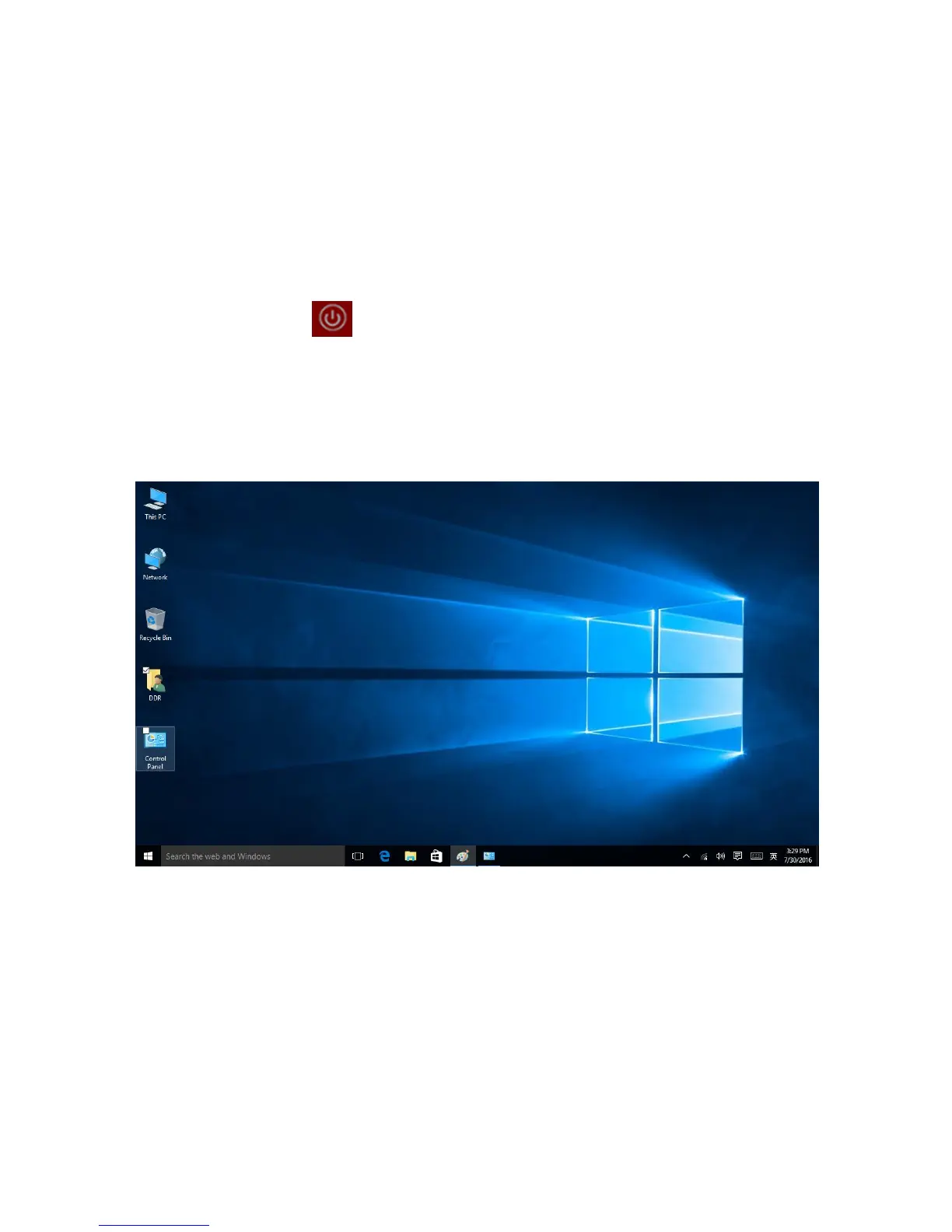
3. Enter Windows 10 interface, like picture below:
Two Lay out (power off)
1. Click system tray bottom left logo
2. Click power selection

Related product manuals