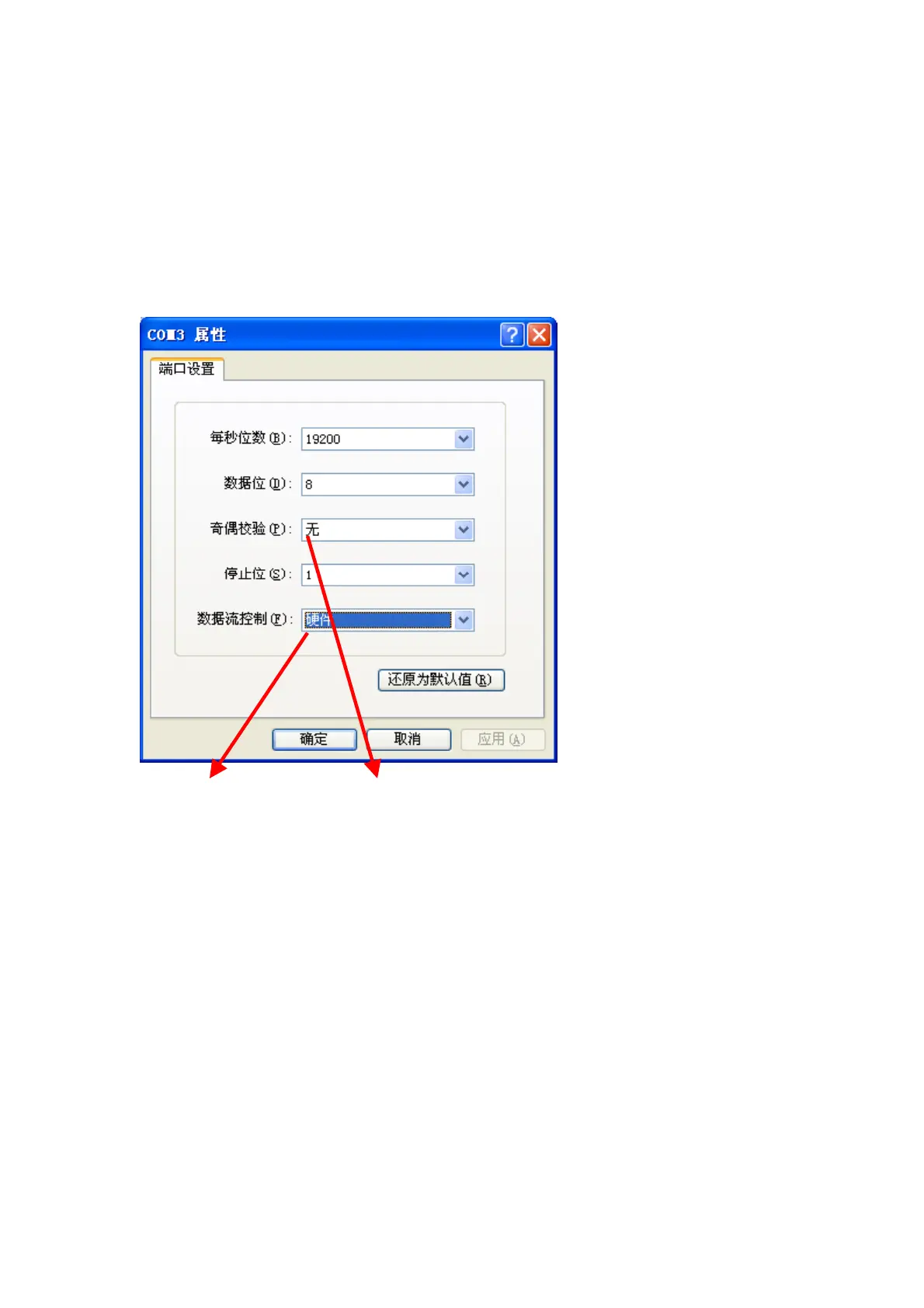
7. Double click “Control Panel”, select “Printer”, click the right button of Mouse,
and click “Open”. Select “GP-80160”, click the right button of the mouse,
select “properties/Ports (configure the COM Port, it should be the same as
the COM Port of the USB Dongle)/Configure (Data should be as below
window showing)
Default baudrate 76mm&80mm series as 19200bps, 58mm series as
9600bps.
Hardware No
And click “OK”.
8. Click “Print test page” to make a printing test.



 To Previous Page