International Point of Sale: CornerStore POS
1-866-468-5767 or 201-928-0222 International Point of Sale
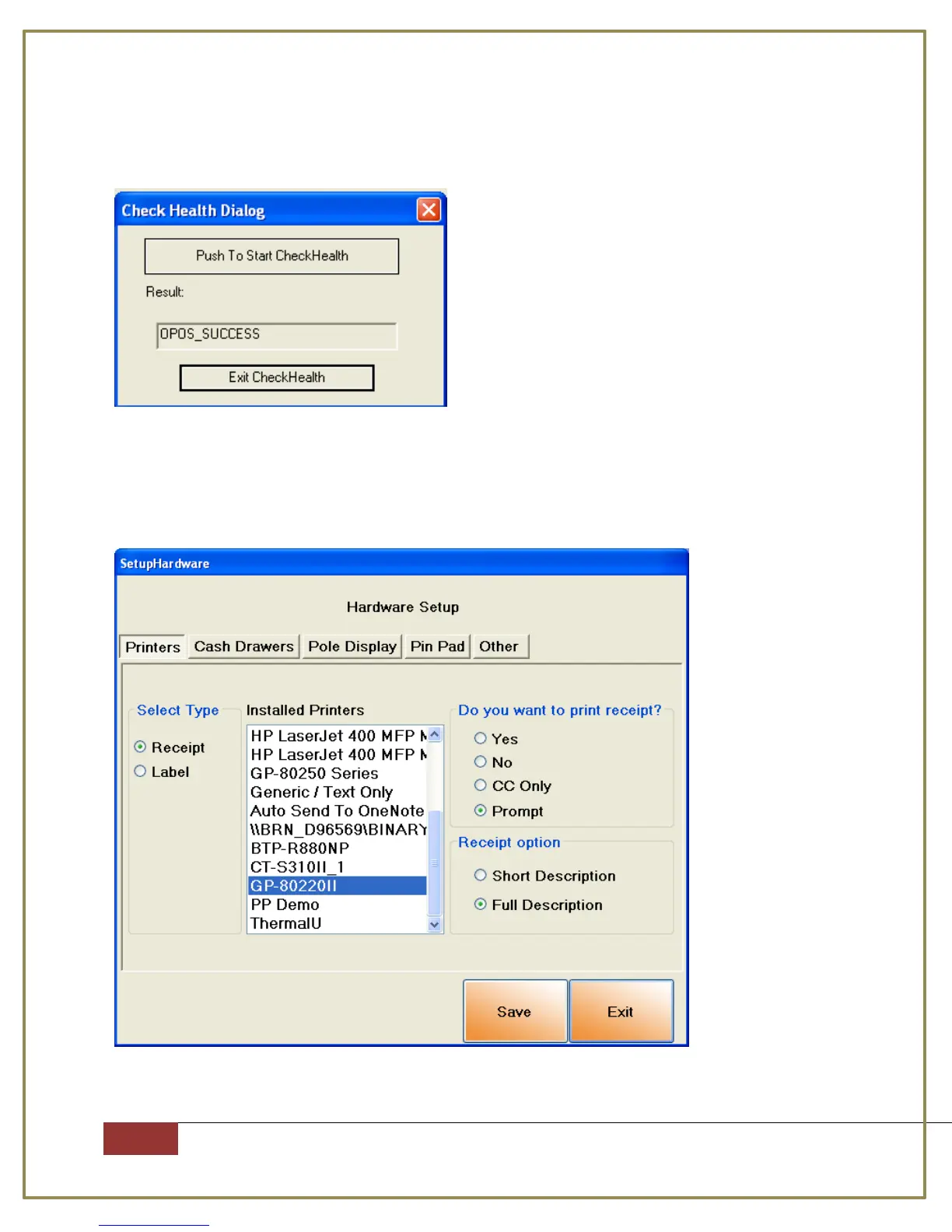
Step 15: Press “Push To Start CheckHealth”, the drawer should open and the
OPOS_SUCCESS will appear on screen.
Setting up the printer with CornerStore
Go to Setup > Hardware Setup, select the G-Printer and when you want your
receipt printer to print.



 To Next Page