4
Features
Powering the Unit
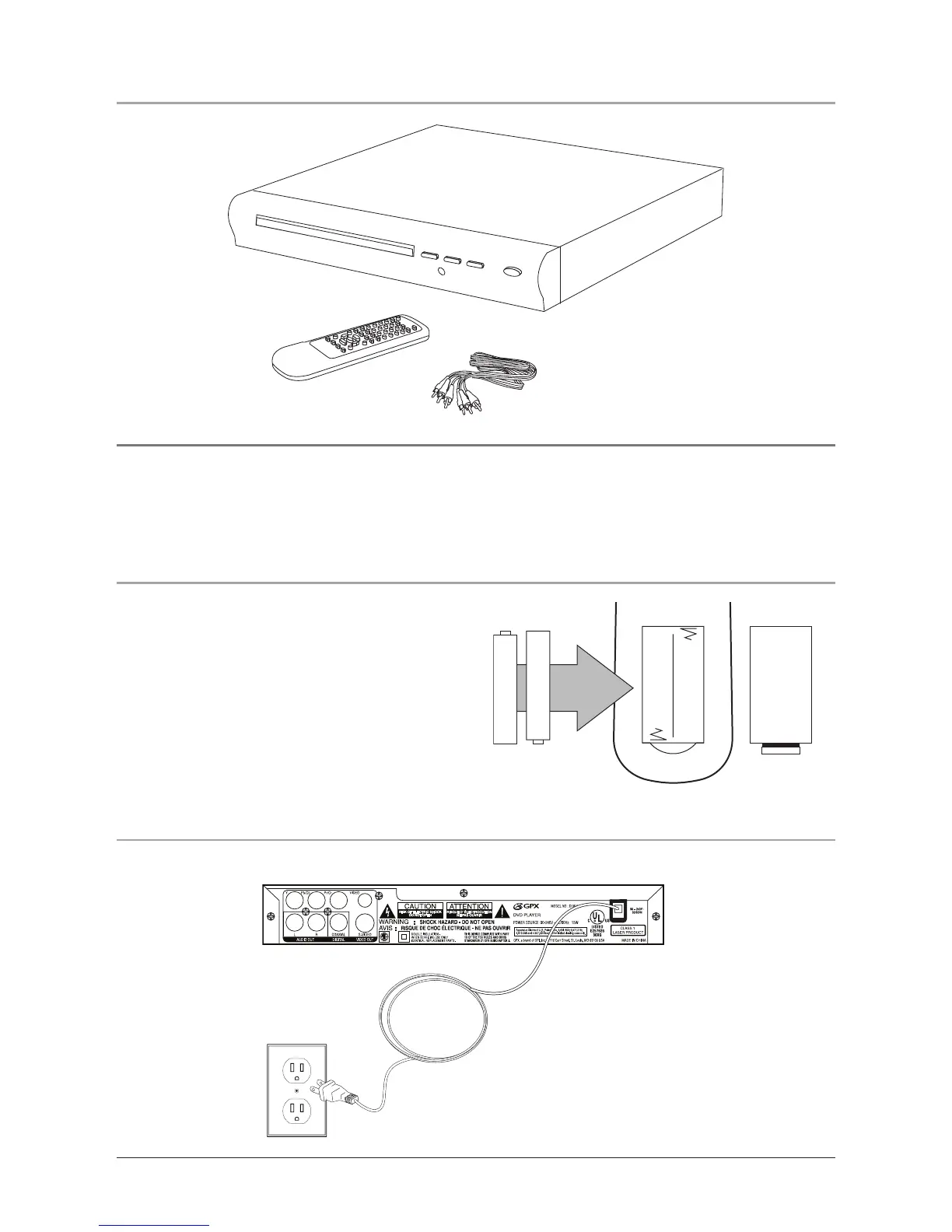
In the Box
1. To power the unit, simply connect it to an AC outlet using the attached AC cord.
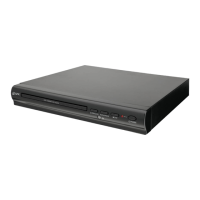
DVD Player
Remote Control
RCA Cables
• DVD Player
• Remote Control
• RCA Cables
• Documentation
The remote control requires 2 AAA batteries
(not included).
Do not mix old and new batteries.
Do not mix alkaline, standard (carbon-zinc),
or rechargeable (ni-cad, ni-mh, etc) batteries.


 To Next Page