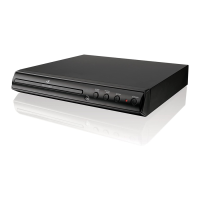
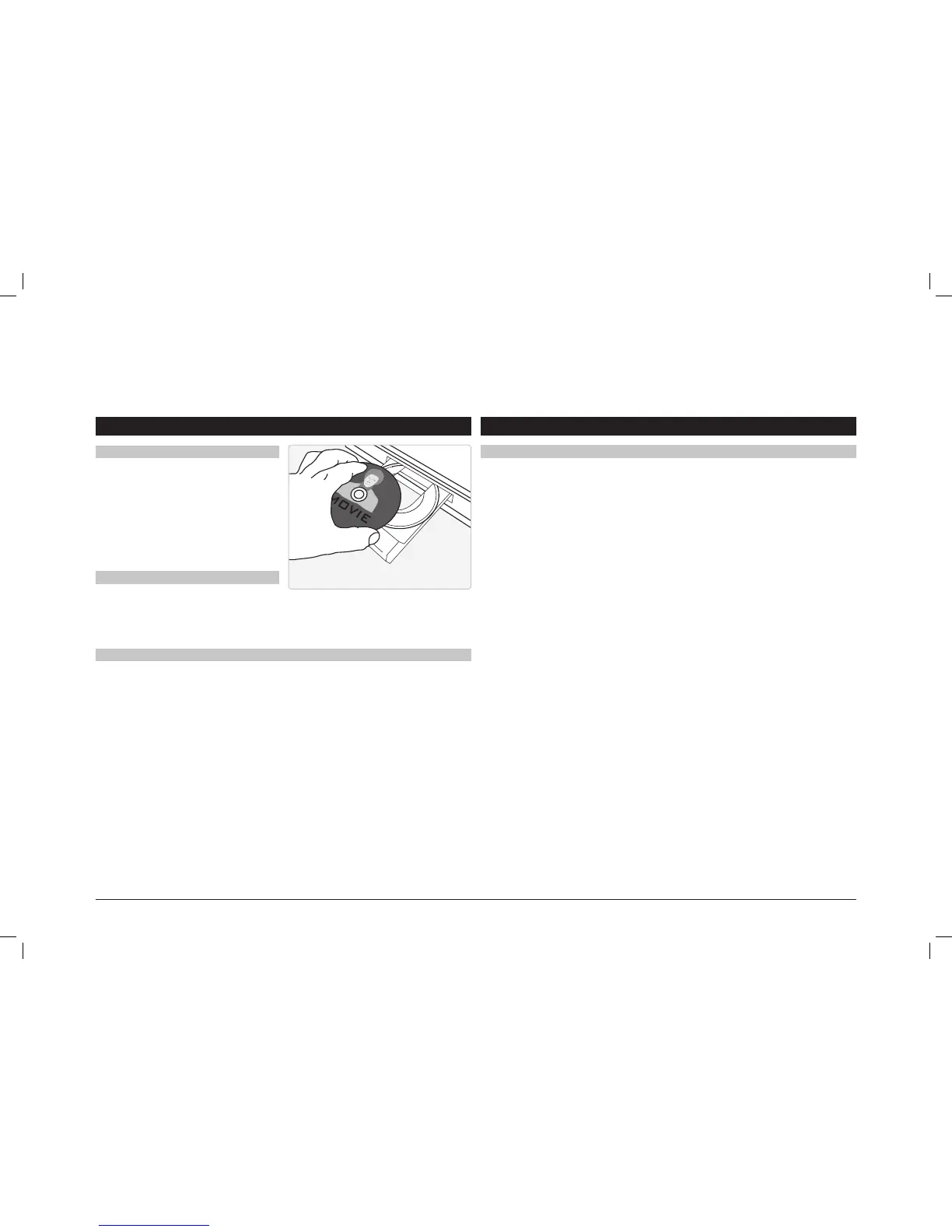
1. Press the Open/Close button to open the
Disc Drawer.
2. Load a disc into the DVD player, label side
facing up.
3. Press the Open/Close button to close the
Disc Drawer.
4. After a disc is loaded, it will begin playing
automatically.
Disc Errors or Wrong Disc:
1. Conrm the disc is loaded into the tray label side up.
2. Conrm the disc is not scratched or damaged.
3. Conrm the disc is not a burned or copied disc as an incorrect format can affect playback.
4. Conrm the disc is a region 1 disc. Note: This player is programed to only support region 1
disc.
5. Some Box rental discs have been used many times and become corrupted or damaged.
This will cause the DVD player to state that the disc is unreadable. If that occurs, you should
return the rental disc and have it replaced.
Remote Control Issues:
1. Conrm the batteries are inserted correctly. Check the + or – on the battery and conrm
with the diagram in the IB or in the battery compartment of the remote to conrm they are
inserted correctly.
2. If you are experiencing slow or no response from the remote, replace the batteries with new
“AAA” batteries.
3. Check remote functionality by observing the remote IR light through the lens of a digital
camera, in low lighting, while a button on the remote is pressed. Note: You should see a blue
light ashing in the remote IR LED
4. To reset the remote, remove the batteries and press and hold the power button for at least 30
seconds. Then reinsert the batteries.
DVD and CD Remote
Loading a Disc
Troubleshooting
Troubleshooting
1. Follow the instructions for Loading a Disc.
2. If the disc does not begin playing
automatically, press the Play/Pause
button.
Playing a Loaded Disc


 To Previous Page
 Loading...