EasyManua.ls Logo

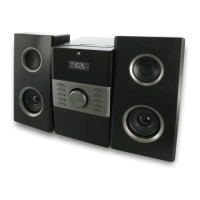
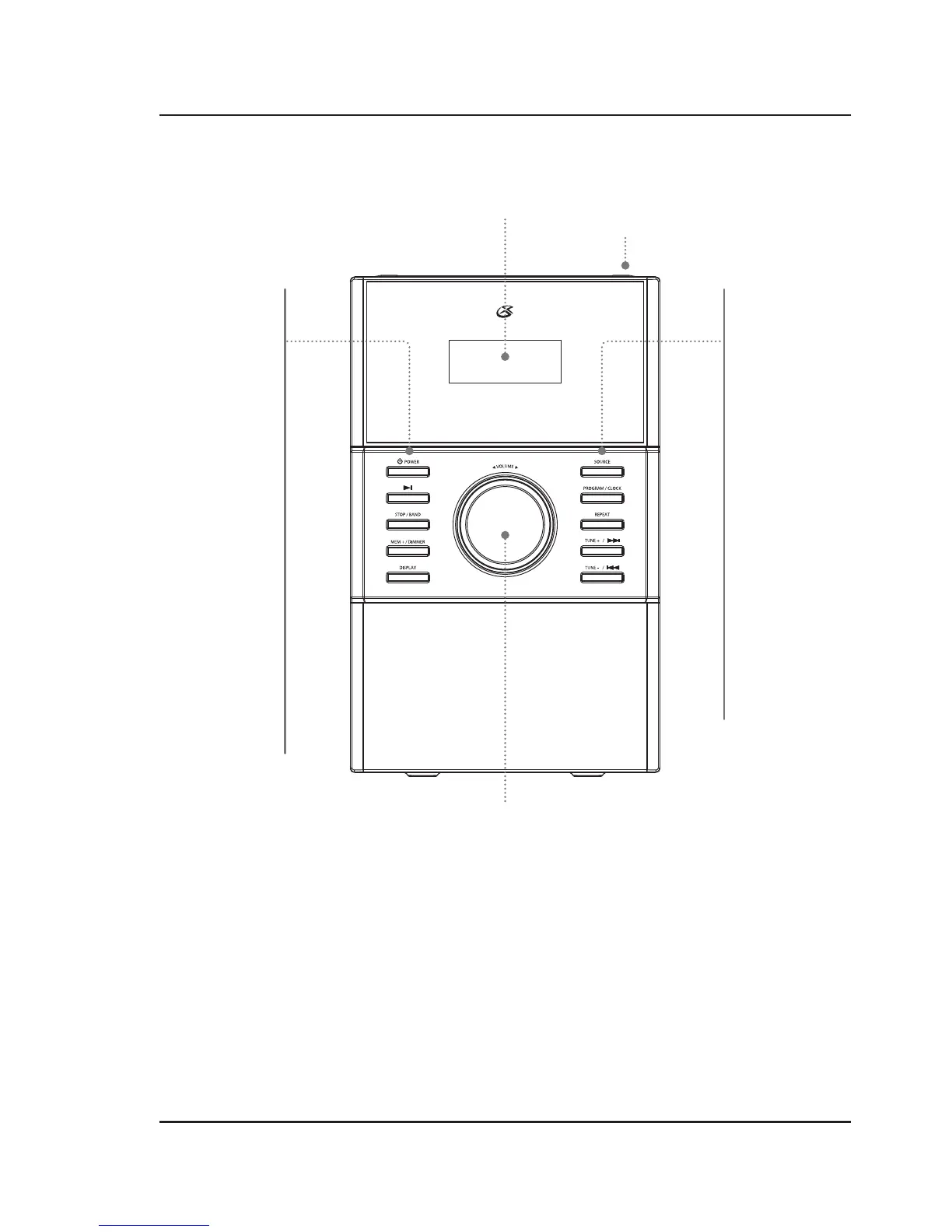
GPX HC425B - Device Orientation and Controls; Front Controls

GPX HC425B
10 pages
Print Icon
To Next Page IconTo Next Page
To Previous Page IconTo Previous Page
Loading...
6
CD Door Open
(top)
LCD Display
Front Controls
Orientation
Volume
Turn to adjust the volume.
Source
Press to change the
media source.
Program/Clock
Press to program a CD.
With the unit off, press
to set the clock.
Repeat
Press to repeat play on
the current audio track.
Tune + /Skip Fwd
Press to cycle forward
through audio tracks.
In Radio Mode, press to
adjust the Tune.
Tune - /Skip Rev
Press to cycle back
through audio tracks.
In Radio Mode, press to
adjust the Tune.
Power
Press to power the
music system off or on.
Play/Pause
Press to play or pause
an audio track.
Stop/Band
Press to stop an audio
track.
Press to cycle between
AM or FM radio.
Mem + /Dimmer
Press to cycle through
radio memory presets.
Press and hold to dim
the display.
Display
With the unit on, press
to cycle between the
clock and media info.

Related product manuals