7
MAIN MENU
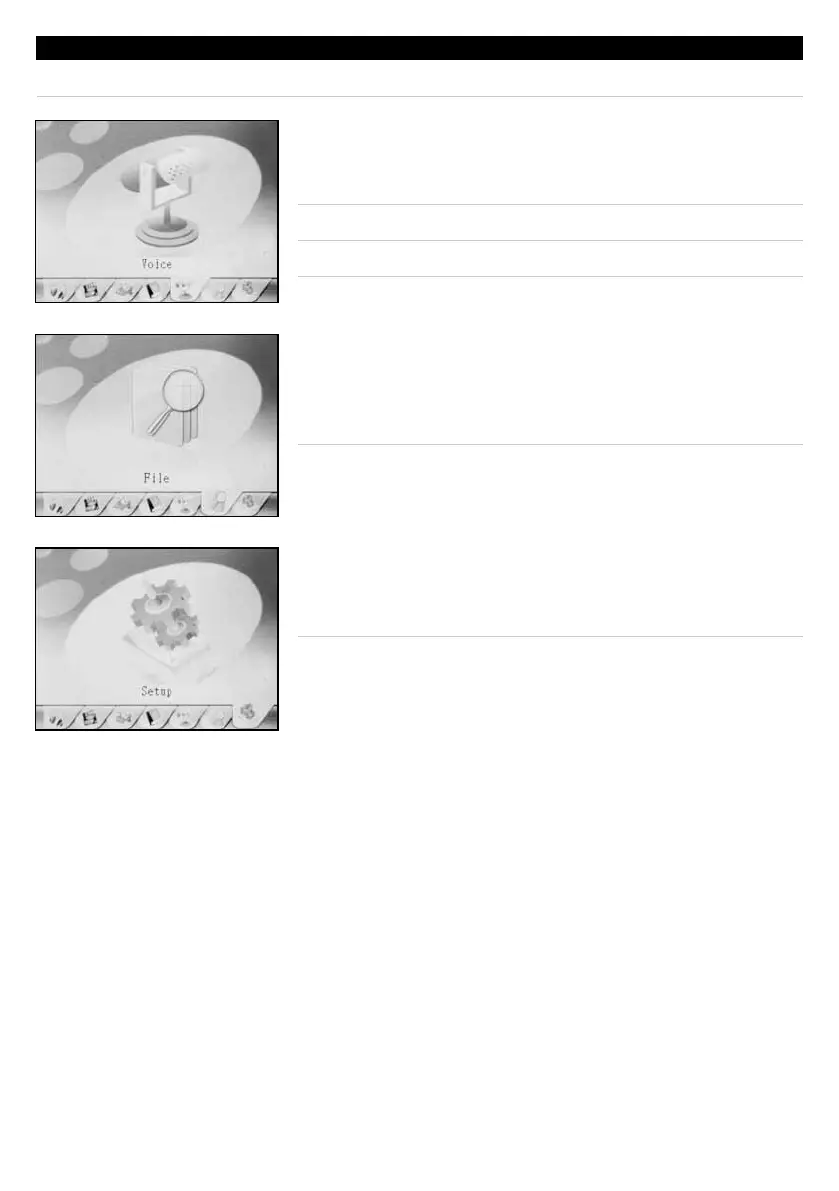
█ VOICE
Highlight the Voice tab and press the Play/Pause Button
to access the voice recorder/player.
Recorder File Output: WAV
Player File Compatibility: WAV
To access the Main Menu, press and hold the Menu Button.
█ FILE
Highlight the File tab and press the Play/Pause Button to
accessthelemenu.Thelemenuprovidesdirectaccess
toallofthelesthathavebeenloadedontotheunit.
█ SETUP
Highlight the Setup tab and press the Play/Pause Button
to access the setup menu.



 To Next Page