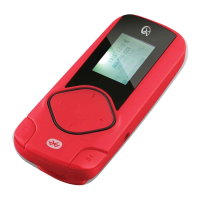
Playing Music
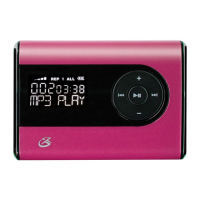
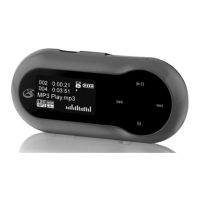
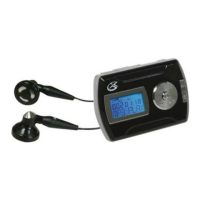
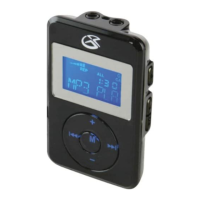
1. Adjust the O/On/Hold button
to the On position to power
on the digital audio player
2. Press the Play/Pause button
to begin playing music from
your digital audio player.
Press the Mode button to access the sub-
menu. Use the Volume and Play/Pause
buttons to select EQ or Repeat mode.
Press again to exit the sub-menu.


 To Next Page