EasyManua.ls Logo

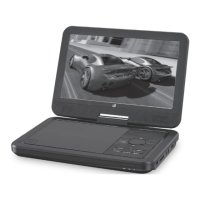
GPX PD951 - Introduction and Device Overview; Device Ports and Controls Identification

GPX PD951
12 pages
Print Icon
To Next Page IconTo Next Page
To Previous Page IconTo Previous Page
Loading...
6
Introduction
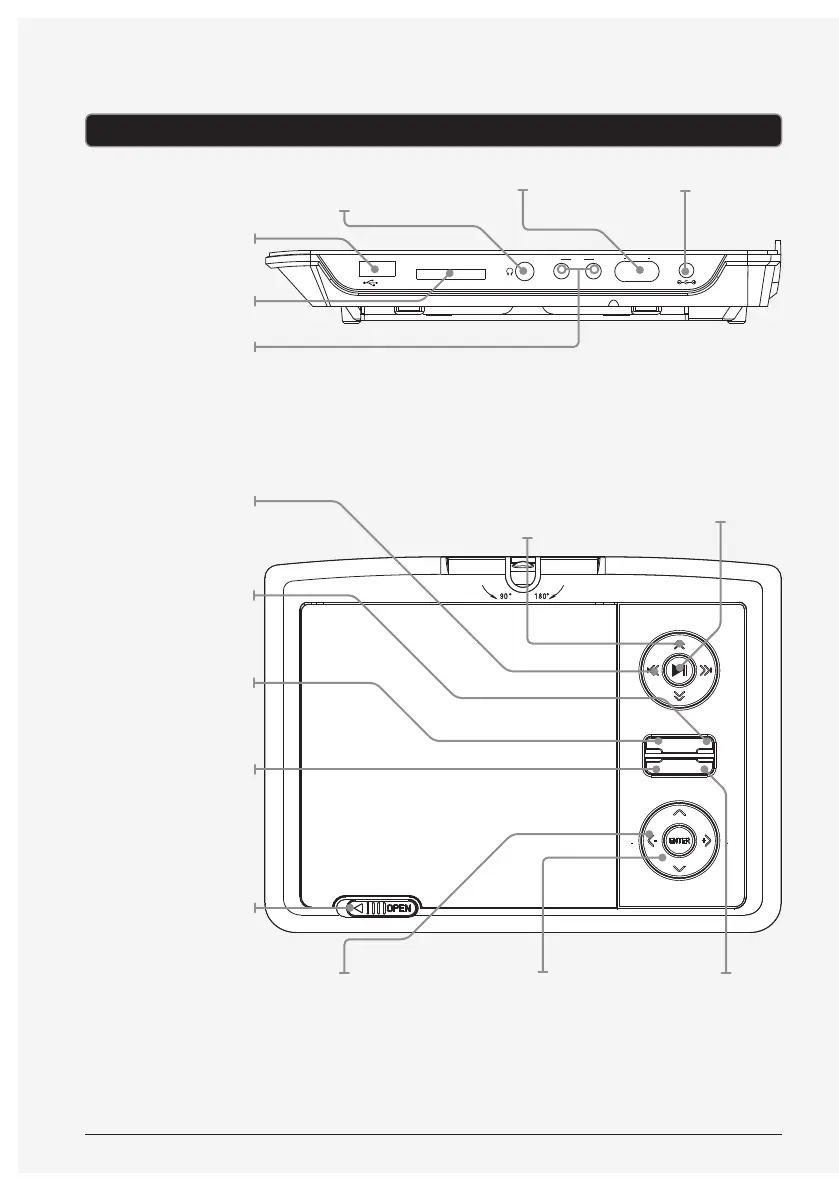
POWER
OFF
AV
OUT IN
ON
DC IN 12V
SD/MMC/MS CARD
USB
+
STOP/
DVD/SD/USB SETUP
MENU
VOL
PREV NEXT
VOL
FWD
REW
AV IN
USB PORT
MEMORY CARD
SLOT
AUDIO/VIDEO
INPUT AND OUTPUT
PREV/NEXT
Press to skip between
chapters and tracks
on a loaded disc.
SETUP
Press to access the
setup menu.
STOP/DVD/SD/USB
Press to stop a disc
during play.
AV IN
Press to switch
between AV input
mode and DVD
mode.
OPEN
Use to open the disc
door.
DC POWER INPUT
PLAY/PAUSE
Press to play or pause
a loaded disc.
MENU
Press to access the
main menu on the
loaded DVD.
FWD/REW
Press to rewind and
fast forward through
chapters and tracks
on a loaded disc.
ARROW/ENTER
Use to navigate the
disc and system
menus and make
selections.
VOLUME
Press to adjust the
volume.
POWERSTEREO
HEADPHONE JACK

Related product manuals