4
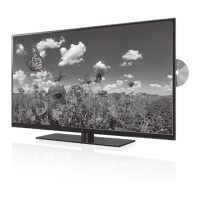
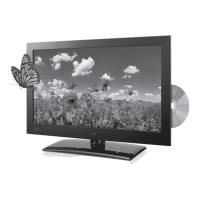
TE1982B
• 18.5” LED display
• HDTV supports up to 1080p
• 1366 x 768 native resolution
• Aspect ratio: 16:9
• Brightness: 450cd/m²
• Max color: 16.7 million
• Contrast: 3000:1
• Response time: <6.5ms
• Viewing angle: 176°H, 176°V
• ATSC/NTSC tuner
• Progressive scan
• V-chip
• Multi-language on-screen
display
• Auto-scan
• Electronic program guide
• Sleep timer
• Closed captioning
• Digital volume control
• Built-in stereo speakers
• HDMI input
• Component video input
• VGA PC video input
• Composite video input
• USB port: supports JPEG, MP3
le formats
• Optical digital audio output
• RCA stereo audio inputs
• 3.5mm PC audio input
• RF input
• Stereo headphone jack
• Full-function remote
• Wall mountable
• DC power input: requires an
AC/DC power adapter (not
included)
• Dual Voltage: 220V/50Hz,
120V/60Hz
• Remote control: requires 2
AAA batteries (included)
• Removable stand
• AC/DC power adapter
Features Includes
Setup
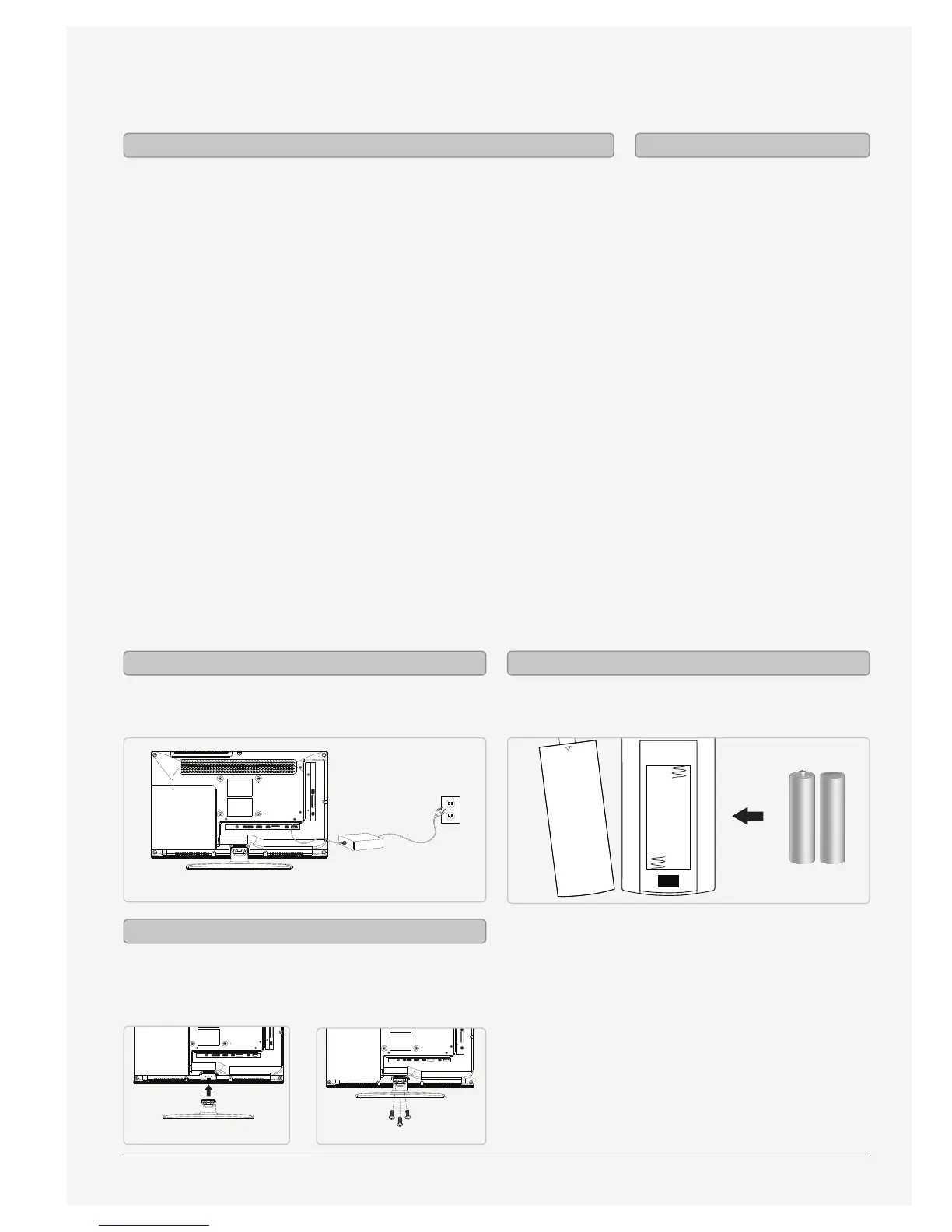
AC power: requires an AC/DC power adapter
(included).
Requires 2 AA batteries (included)
OPEN
Power Remote
Use a philips-head screwdriver to tighten or remove
the screws. Using an power drill could damage the
TV stand.



 To Next Page