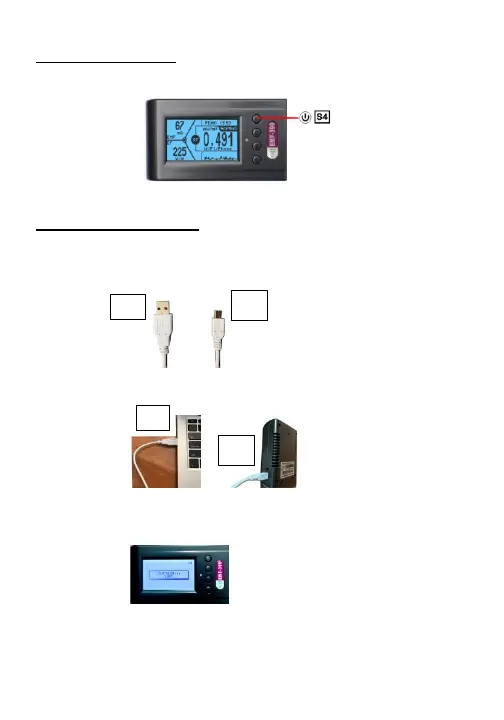
How to turn ON/OFF ?
1. ON : Press and hold S4 button for 3 seconds, until see GQ logo.
2. OFF : Press and hold S4 button again for 3 seconds
How to charge the battery?
1. You will receive a USB cable along with EMF meter in the
package
2. Plug A into USB socket on any USB ports (eg. Cellphone
chargers) and plug B to mini-B socket on EMF meter
3. Charging status should be shown on the screen
5. The percentage is only an estimate of battery level. A fully
charged battery icon will be filled with solid color, without
flashing.
8



 To Next Page